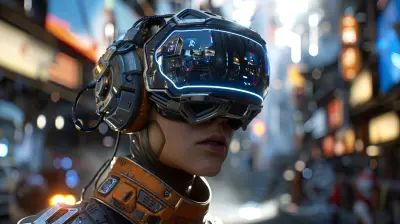
From Concept to Console: How Unreal Engine Titles Are Made
27 April 2026
So, you’ve just finished playing a mind-blowing Unreal Engine game—one of those cinematic, jaw-droppingly gorgeous titles that makes you think, “How the heck did they do that?” You're not alone. Unreal Engine games have a WOW factor that’s hard to miss, but what’s even more fascinating is the journey these games take from a doodle on a napkin to a fully playable title on your console.
Today, let's go behind the scenes and unpack how Unreal Engine games are made—from raw concept to polished console launch. Whether you're an aspiring developer, a curious gamer, or someone who's just into the tech of it all, you're in for a treat.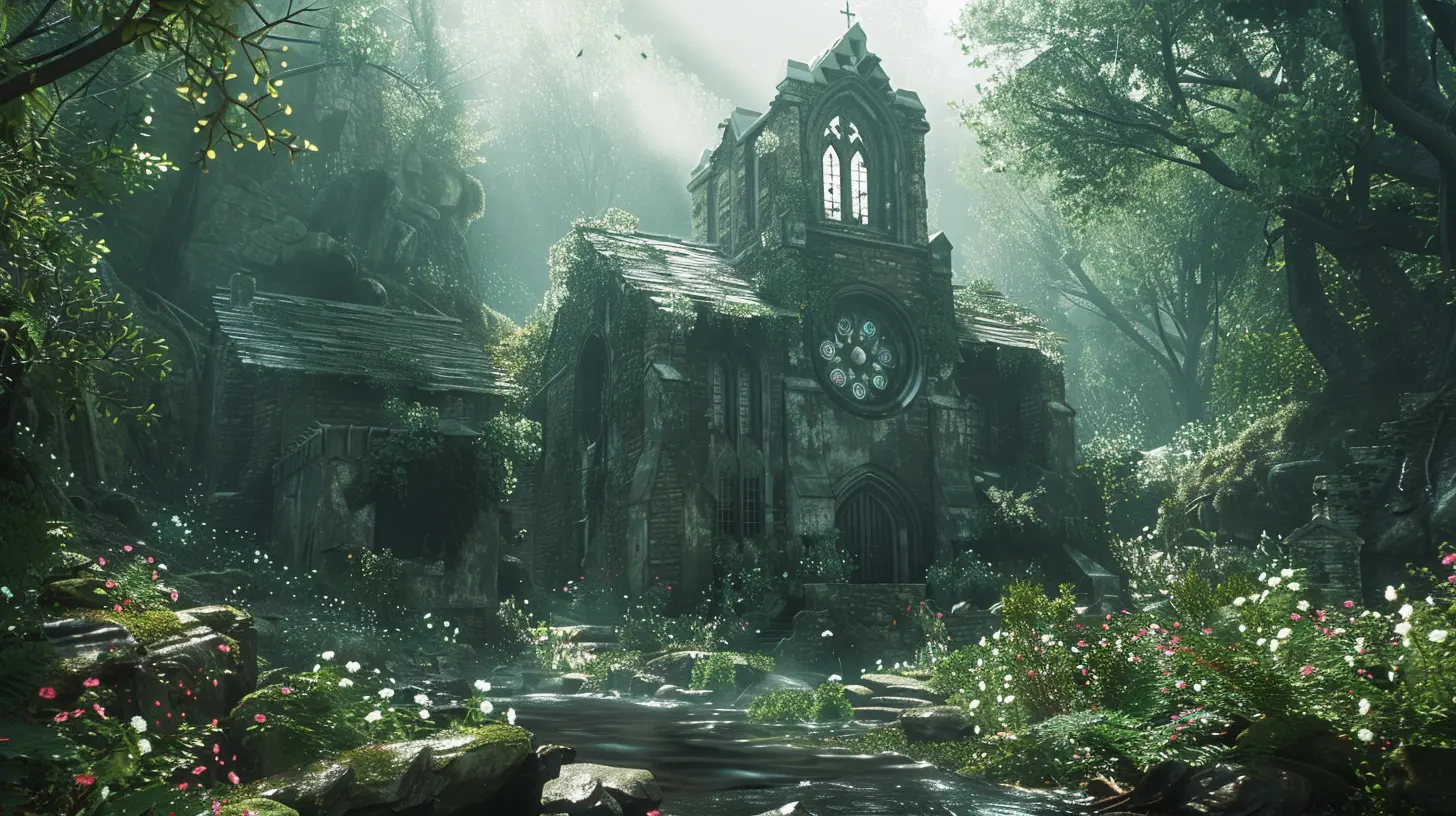
The Spark: It All Starts With An Idea
Every game begins with an idea. Sometimes it’s a mechanic ("What if gravity worked in reverse?"), sometimes it’s a narrative ("Let’s tell a time-travel story across three timelines"), and other times, it’s a wild visual (“Cyberpunk meets dinosaurs—go!”). No matter how it starts, the concept is just the tip of the iceberg.Brainstorming the Blueprint
During this phase, teams brainstorm the core gameplay loop, setting, characters, world rules, and more. This is also where Unreal Engine starts quietly entering the conversation.Why Unreal? Because it's a beast for visual fidelity and has a suite of tools that streamline everything from animation to physics simulation. It’s like starting your race with a sports car instead of a tricycle.
Pre-Production: Building the Foundation
Here’s where things start to take shape. We're still not “making the game” per se, but the foundation is being laid. Think of it like storyboarding a movie or sketching out floor plans before building a house.Crafting the Game Design Document (GDD)
This sacred text (okay, maybe not sacred, but very important) outlines every major system and design choice in the game. It’s the team’s North Star, covering story, gameplay mechanics, art style, UI/UX, level concepts, and more.Prototyping with Unreal Engine
This is where Unreal Engine starts flexing its muscle. Developers jump into the engine and begin prototyping basic gameplay. Thanks to Blueprints—Unreal’s visual scripting system—developers can test mechanics without writing complex code. Want to see if wall-running feels good? You can slap together a prototype in a day.This stage is about answering one brutal question: “Is it fun?”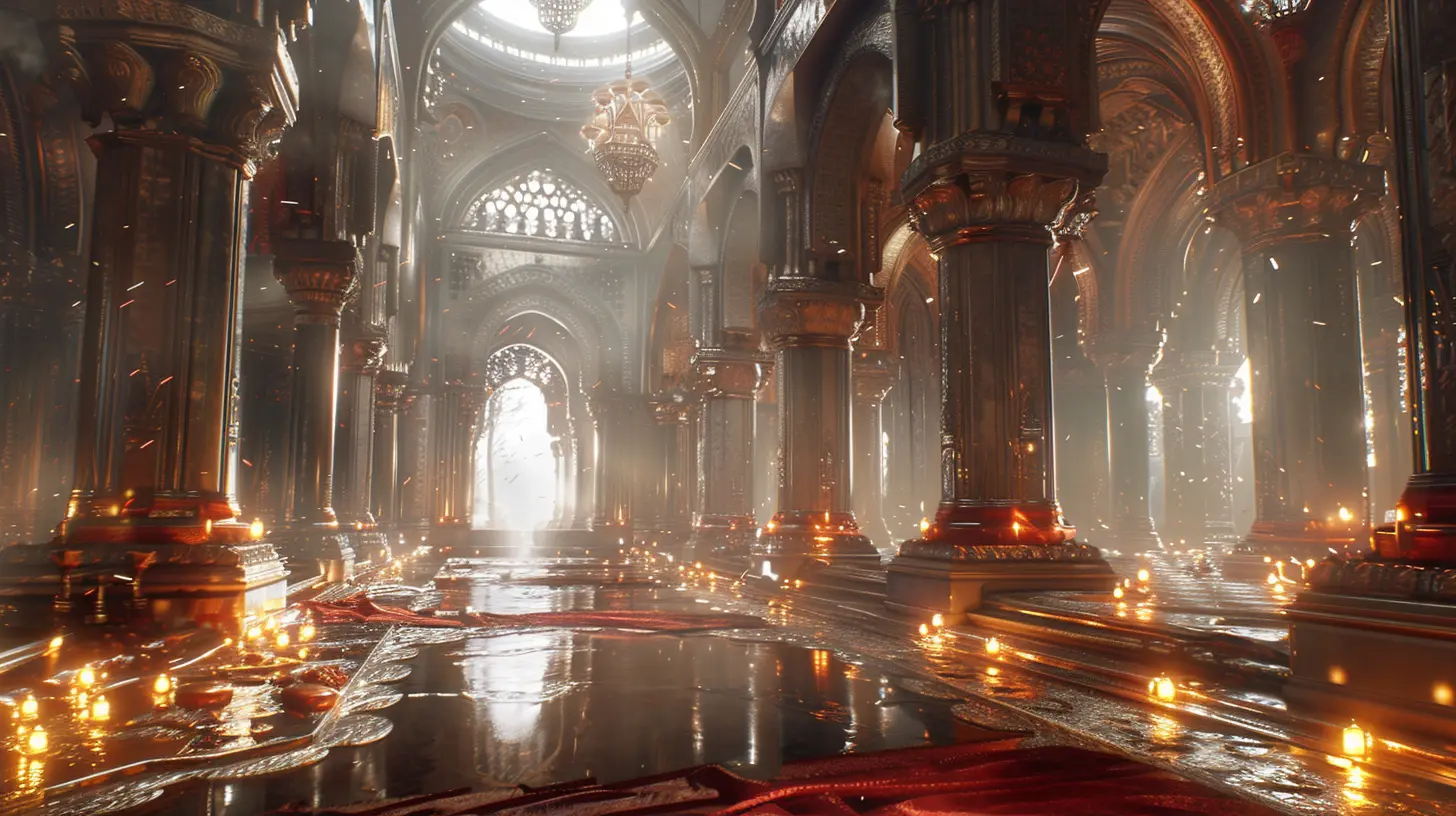
Production: When the Magic Happens
Now the real work begins. This is the longest and most intense phase. You’ve got your tools, your team, your tech... now you need to build the actual game.Level Design: Crafting the Player’s Playground
Designers create digital worlds using Unreal Engine’s level editor. Assets—like buildings, trees, enemies—are either handcrafted by artists or imported from online libraries like the Unreal Marketplace.Every level is a mix of art and engineering. Lighting adds mood. Collision volumes keep you from walking through walls. Triggers control enemy spawns or cinematic events. It’s a beautifully complex dance.
Art Meets Engine
Artists create 3D models, textures, animations, and effects. Thanks to Unreal’s real-time rendering capabilities, developers get instant feedback. That means fewer “render and wait” cycles and more “hey, let’s tweak it in real-time!”Unreal’s Niagara particle system, for example, handles explosions, smoke, magic auras—you name it. With physics-based rendering and dynamic lighting (hello, Lumen!), environments feel alive and reactive.
Audio & Music Implementation
Sound designers help breathe life into the world. Think footsteps echoing in a hallway or the roar of a boss fight. Unreal Engine supports spatial audio, so you can hear exactly where that creepy whisper is coming from. Great audio creates immersion—without it, even the best visuals fall flat.
Blueprints & C++: The Code Beneath the Cool
All those game mechanics—jumping, shooting, inventory systems—need logic. Unreal Engine gives devs two options: C++ (hardcore, powerful) and Blueprints (user-friendly, drag-and-drop). Many games use a hybrid approach.Want a door that only opens when the player finds a key? A few Blueprint nodes, and boom—you’ve got yourself an interactive puzzle. Developer magic.
Testing: Breaking Things So They Don’t Break Later
You can't just slap a “Done” sticker on your build and call it a day. Now it’s time to stress-test everything.QA and Debugging
Testers go full detective, hunting bugs, glitches, and exploits. Unreal's debugging tools help devs track performance issues, memory leaks, and gameplay inconsistencies.Got frame drops in boss fights? Time to optimize textures, simplify particle effects, or adjust lighting. Performance on consoles is critical—you don’t want your game turning into a slideshow when things get intense.
Optimization: Making It Console-Ready
Console hardware is powerful, but it’s not a high-end PC. Developers need to optimize extensively to make sure the game runs smoothly on consoles like PlayStation, Xbox, and even Nintendo Switch.Unreal Engine’s Optimization Tools
Unreal has profiling tools that monitor CPU and GPU usage. Developers tweak LODs (Level of Detail), texture streaming, and lighting to balance fidelity and speed. Virtual Shadow Maps, Nanite geometry, and Lumen lighting enable stunning visuals without tanking performance.Think of it like trimming fat from a steak—you want flavor without the chewiness.
Packaging & Publishing: Prepping for Launch
After months (or years) of hard work, it’s time to prepare the game for upload.Platform-Specific Builds
Unreal can build multiple versions of your game: one for PC, one for PS5, one for Xbox Series X, etc. Each version has to meet that platform’s compliance standards—frame rate caps, controller support, save systems, and more.Certification & Submission
Console manufacturers require your game to pass certification checks before it launches. It's like getting your driver’s license for gaming platforms. Fail a check? Back to QA. Pass it? You’re ready for market.Post-Launch: The Game Isn’t Over (Yet)
Here’s a little secret—launch day isn't the end. In many cases, it's just the beginning.Patches, Updates, and DLC
Developers monitor player feedback, fix bugs, and push updates through Unreal Engine. Post-launch support includes balancing gameplay, adding new content, or releasing expansions.Unreal makes it fairly straightforward to push out these updates, ensuring your game can evolve long after its release.
Real-World Examples: Unreal in Action
Let’s name-drop a few killer titles that came to life using Unreal Engine:- Fortnite – Epic's own juggernaut. Constant updates, cross-platform, and a great example of Unreal’s scalability.
- Hellblade: Senua’s Sacrifice – Stunning visuals, deeply emotional storytelling, and motion capture wizardry.
- Final Fantasy VII Remake – AAA narrative and jaw-dropping art direction all powered by UE4.
- The Matrix Awakens – A tech demo turned playable experience that showcased Unreal Engine 5’s jaw-dropping capabilities.
Each of these games started from a scribble, a storyboard, or a “what if?” moment—and Unreal Engine helped shape that idea into playable art.
Why Unreal Engine is a Game-Changer
So, why do so many devs go with Unreal?- Visual power – You can get photorealistic results, even on a tight budget.
- Blueprints – Rapid prototyping and easy learning curve for newcomers.
- Cross-platform deployment – Build for one, deploy on many.
- Massive community – Tutorials, plugins, and forums galore.
- Constant innovation – With UE5's Nanite and Lumen, the lines between gaming and film are blurring.
Whether you're an indie dreamer or a AAA studio, Unreal Engine gives you the tools to turn your vision into something tangible—and playable.
Wrapping Up: From Dream to Disk
Creating a game is like running a marathon in a thunderstorm—it's long, it's tough, and sometimes it feels like you're being electrocuted for fun. But thanks to Unreal Engine, that journey’s a little smoother, a little faster, and a lot more cinematic.From concept sketches to console-ready code, every part of game development benefits from Unreal's powerful ecosystem. Whether it's building out levels, scripting mechanics, optimizing performance, or creating cinematic moments, UE is the Swiss Army knife devs can't live without.
So the next time you’re playing the latest Unreal-powered title and you think, “Man, this is incredible,” now you know—it didn’t just happen. It was built, layer by layer, tool by tool, from concept to console.
all images in this post were generated using AI tools
Category:
Unreal Engine GamesAuthor:

Leif Coleman
Discussion
rate this article
2 comments
Zorina Martinez
This article really captures the magic of game development with Unreal Engine. It's inspiring to see how concepts evolve into engaging experiences. The insights shared give a great peek behind the curtain-excited to see what comes next!
May 10, 2026 at 3:39 PM
Leif Coleman
Thank you! I'm glad you found it inspiring. There's so much more to explore in game development, and I can't wait to share more insights soon.
Jocelyn McBride
This article beautifully captures the journey of game development using Unreal Engine. It’s fascinating to see how creative concepts transform into engaging experiences on consoles. Thank you for shedding light on this intricate process that brings our favorite games to life!
April 27, 2026 at 4:25 AM
Leif Coleman
Thanks for the kind words! I'm glad you enjoyed the insights into the game development process with Unreal Engine.