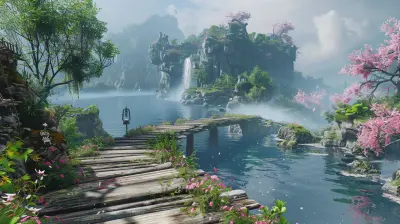
How Developers Use Unreal Engine to Create Immersive Worlds
2 May 2026
Have you ever booted up a game and instantly felt transported into a completely different universe? Like one minute you're sitting on your couch, and the next—bam—you’re exploring a crumbling castle, walking through a neon-lit city, or trekking through an alien planet?
Chances are, that jaw-dropping experience was built using Unreal Engine. It's more than just a game engine—it’s like a magic wand in the hands of developers. But how exactly do they use it to sculpt such vivid, immersive worlds? Let’s unpack that.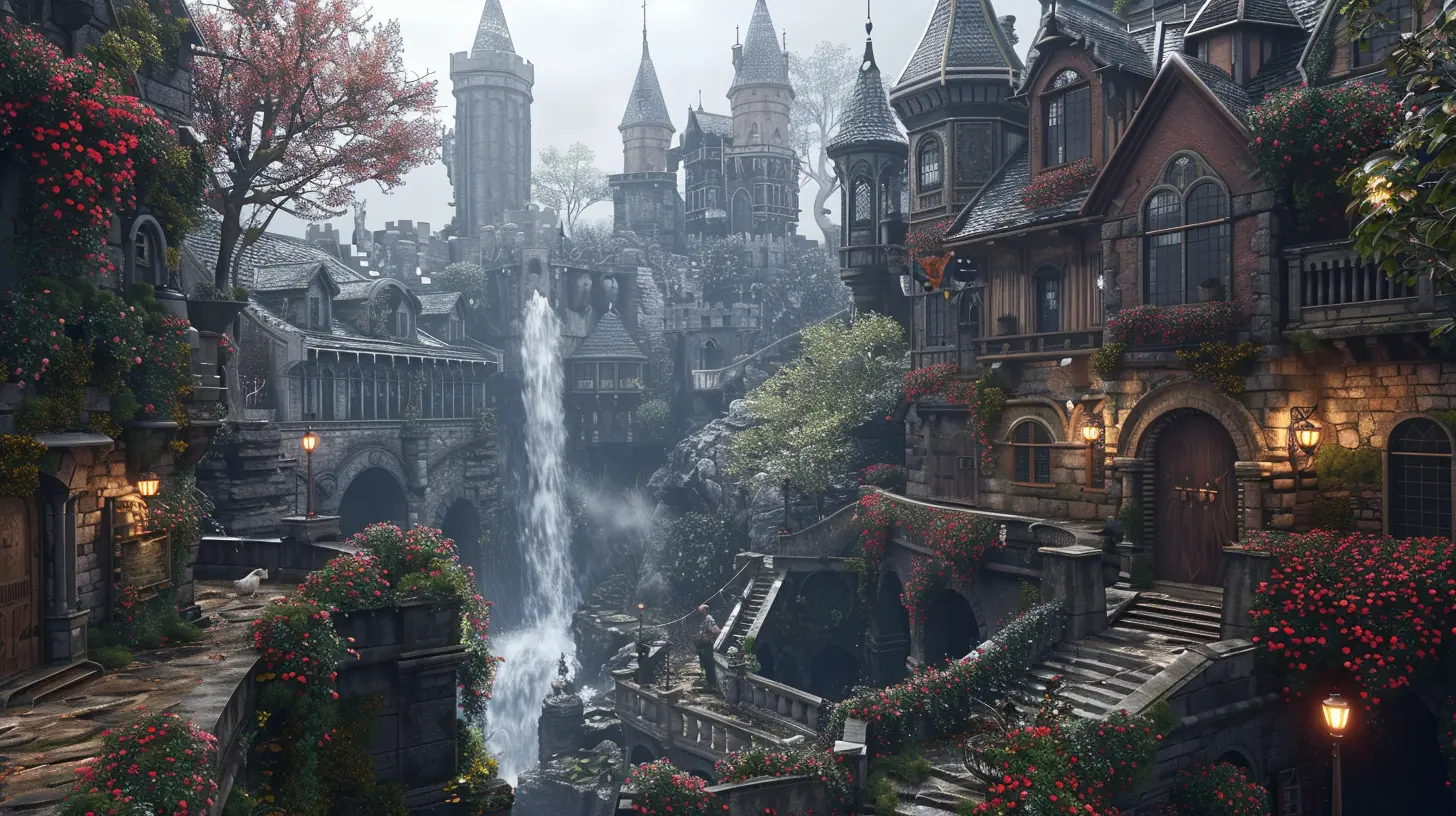
What Makes Unreal Engine So Special?
Okay, so before we get into the nitty-gritty of how developers use Unreal Engine to build those incredible game environments, let’s talk about what Unreal Engine actually is.At its core, Unreal Engine (currently in its fifth iteration, Unreal Engine 5) is a powerful toolkit developed by Epic Games. It’s been around since the late ’90s and has aged like fine wine. It started off powering first-person shooters like the original Unreal Tournament and has now evolved into a beast capable of rendering photorealistic environments and jaw-dropping effects.
Developers love Unreal Engine because it’s flexible, it’s free to use (until your game makes bank), and it’s packed with next-gen features. But what truly sets it apart is its focus on real-time rendering and ease of use—two essentials when you're trying to build a world players never want to leave.
Building Blocks of an Immersive World
So how do developers take this piece of software and use it to create something that feels alive? Let’s break it down, one digital brick at a time.1. Real-Time Rendering: Lighting That Breathes Life
Imagine standing in the middle of a forest, sunlight piercing through the tree canopy, shadows dancing on the ground beneath your feet. That kind of visual magic? Unreal Engine nails it with real-time rendering.With Lumen, Unreal Engine’s dynamic global illumination system, lighting behaves just like it does in the real world. Change the time of day? The lighting adapts. Block a light source? Shadows update instantly.
This not only makes games look pretty but also makes environments feel real. And when games feel real, it’s easier for players to lose themselves.
2. Nanite: Assets Without Limits
Textures and models used to be a pain point. Developers had to compromise detail for performance. But not anymore.Nanite, Unreal Engine’s virtualized geometry system, lets devs import film-quality assets directly into the game without worrying about draw calls or polygon counts. Think of it like stuffing a high-res movie set into your game—and it doesn’t even flinch.
Players get stunning visuals. Developers get more freedom. Everyone wins.
3. Blueprint Visual Scripting: Creativity for All
Let’s face it: not all great game creators are coding wizards. Thankfully, Unreal Engine’s Blueprint visual scripting system helps bridge that gap.This system lets developers create complex gameplay mechanics, animations, interactions—you name it—without writing a single line of code. Just drag, drop, and connect blocks like you're building with digital LEGO.
It lowers the barrier of entry and allows more creators to focus on storytelling and world-building.
4. World Partition System: A Seamless Sandbox
Ever wondered how open-world games keep everything running so smoothly even though they’re massive?Enter World Partition, a system that automatically divides the map into a grid and streams only the parts needed at that moment. It’s like the game only thinks about what you’re looking at—everything else takes a nap until needed.
This means devs can build huge, detailed worlds without sacrificing performance, making environments that feel connected, seamless, and real.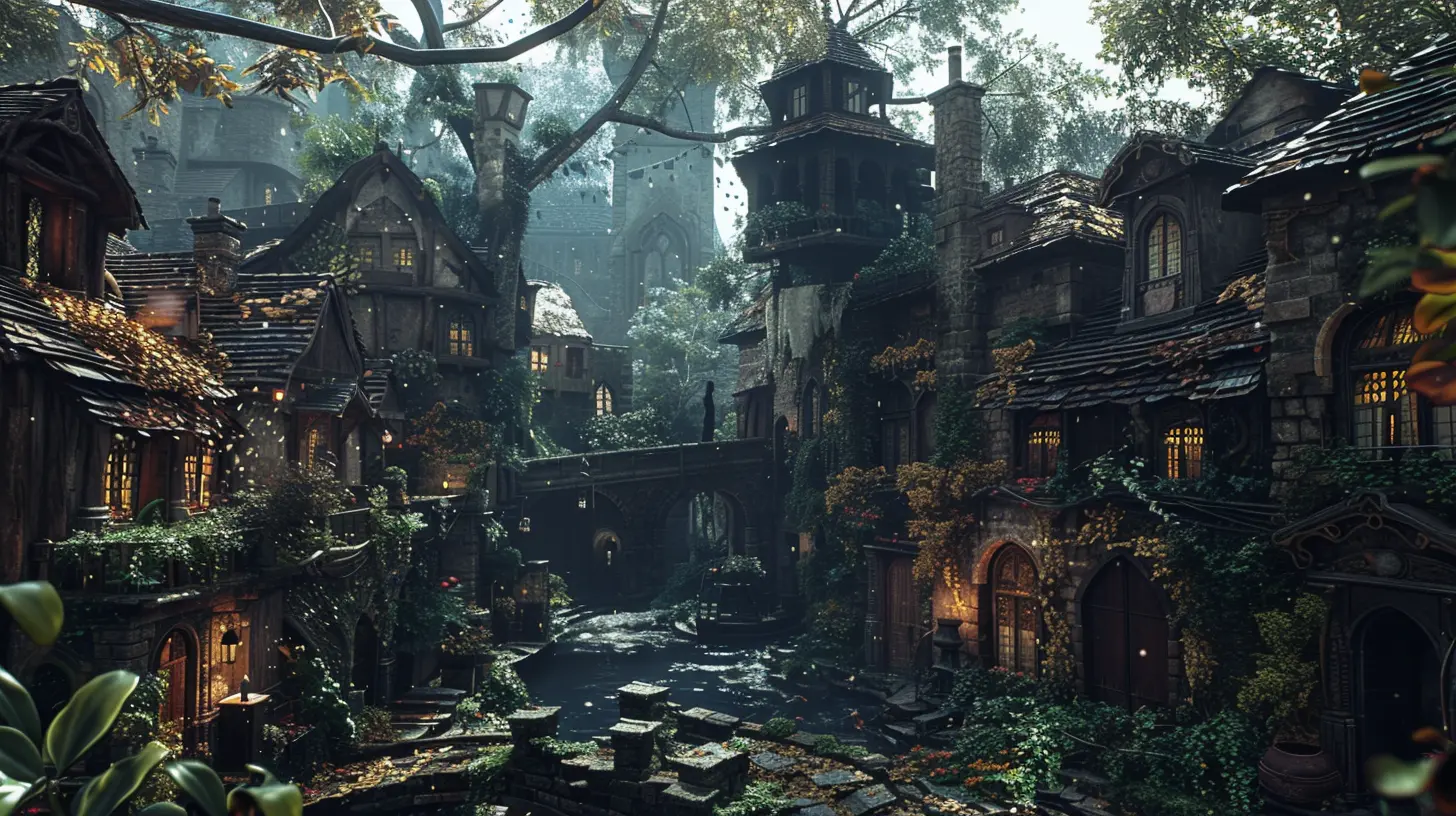
From Concept to Creation: Step-by-Step World-Building
Let’s walk through the actual process of building an immersive world in Unreal Engine. Grab your hard hat; we’re going behind the scenes.1. Setting the Stage
It all begins with a vision. Whether it’s a snowy mountain village or a galactic mothership, developers usually start with concept art and mood boards to figure out the tone.This sets the emotional backdrop and helps shape everything that follows—lighting, sounds, scale, and story.
2. Blocking and Layout
Once the vision’s clear, developers create a greybox version of the world. No textures, no detail—just simple shapes to block out where things go. Think of it as sketching before painting.This helps with layout, pacing, and gameplay flow. It’s easier to move placeholder buildings than fully textured ones.
3. Adding the Meat: Textures and Assets
Next comes the detail pass. Developers fill the blank canvas with models, textures, and props. Thanks to tools like Quixel Megascans (which integrates beautifully with Unreal), they can drag and drop photorealistic assets straight into the scene.Need a mossy rock or ruined wall? It’s all there, ready to use.
4. Lighting and Atmosphere
Lighting is where worlds come alive.Devs use Lumen to set the mood—warm sunlight for peace, flickering shadows for tension, neon glows for mystery. Whether it’s dynamic weather or day-night cycles, the lighting becomes a character in its own right.
5. Sound and Interactivity
You can’t have immersion without sound. Unreal’s audio system allows developers to place 3D sounds that react to the environment. Footsteps echo in caves, wind whistles through trees, and enemies snarl in the dark.And let’s not forget interactivity. With Blueprints, developers make environments respond—doors open, lights flicker, AI reacts. Suddenly, you’re not just looking at a world; you’re inside it.
6. Polish and Optimization
This is the final lap. The world looks good, feels good, and plays well, but now it needs to run smoothly.Devs optimize assets, tweak lighting, and run performance tests. Unreal's built-in tools help them squeeze every bit of efficiency out of the game before it lands in players’ hands.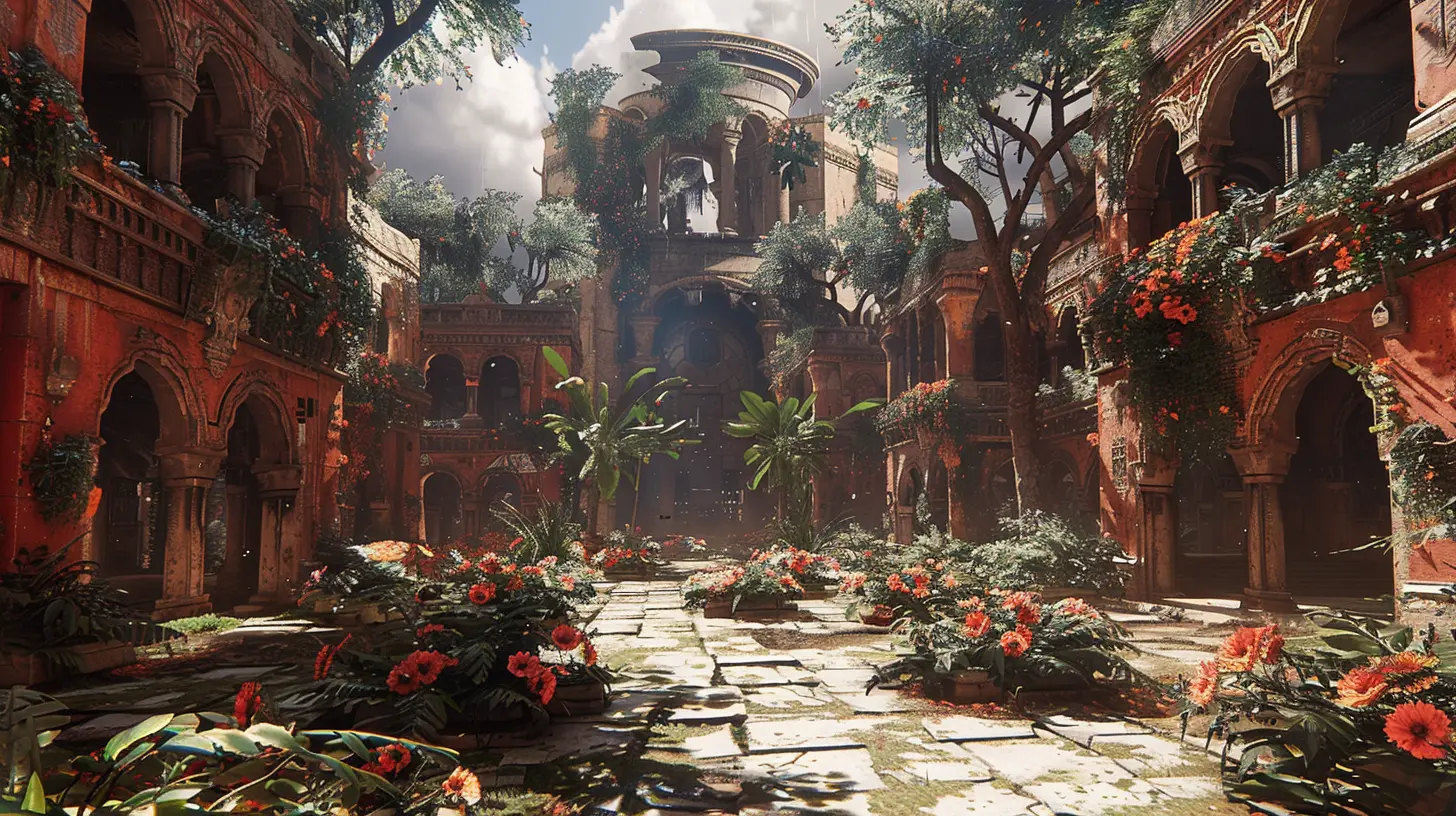
Unreal Engine in Action: Games That Blew Us Away
Let’s be real for a second. It’s easier to appreciate the power of Unreal Engine when you see it in action. Here are a few titles that used it to build truly immersive experiences:- Fortnite – Not just a battle royale; thanks to Unreal, it’s a dynamic, ever-evolving world.
- The Matrix Awakens Tech Demo – Hands down one of the most jaw-dropping demonstrations of UE5’s power. Hyper-realism at its finest.
- Senua’s Saga: Hellblade II – Blends haunting visuals, emotional depth, and immersive world-building like no other.
Each of these showcases different strengths—lighting, scale, interactivity, emotion—all brought to life through Unreal.
Why Immersion Matters
Now you might be wondering: why does all this technical wizardry matter?Because immersion is everything.
When a game world feels real, it connects with players on a deeper level. It’s not just about eye candy; it’s about emotional investment. That’s what turns a good game into a memorable one—the kind you think about long after the credits roll.
The Future of World-Building With Unreal Engine
Unreal Engine is evolving fast. With continued support for VR, AI-driven characters, and procedural generation, the promise of even more immersive worlds is within reach.We’re heading toward a future where game worlds mirror reality—where every blade of grass reacts, every NPC has a story, and players can shape their environment in real-time.
And Unreal Engine is paving that road.
Final Thoughts
At the end of the day, Unreal Engine isn’t just a tool—it’s a canvas for interactive storytelling. It gives developers the power to build worlds that aren’t just seen, but felt. Worlds where players can get lost, explore, and experience something extraordinary.So next time you’re wandering through a beautifully rendered world, taking in the light, sound, and atmosphere as if you’re really there—tip your hat to Unreal Engine. And to the passionate developers using it to bring those digital dreams to life.
all images in this post were generated using AI tools
Category:
Unreal Engine GamesAuthor:

Leif Coleman
Discussion
rate this article
2 comments
Zina Adams
Great article! It's fascinating to see how developers harness Unreal Engine's power to craft such immersive worlds. Excited to see where creativity takes us next!
May 14, 2026 at 3:40 PM
Leif Coleman
Thanks for the kind words! It's amazing to see how creativity thrives with Unreal Engine. Exciting times ahead!
Josie Hudson
Unreal Engine's advanced graphics and physics tools empower developers to craft stunning, interactive environments that enhance player immersion and storytelling.
May 3, 2026 at 4:43 PM
Leif Coleman
Absolutely. Unreal Engine truly transforms how developers bring their visions to life, creating captivating worlds that draw players in.