How to Build the Ultimate Flight Simulation Setup
26 December 2025
Have you ever dreamed of soaring through the skies, piloting a sleek jet, or mastering the cockpit of a Boeing 747, all without leaving the comfort of your home? If so, you’re not alone. Building the ultimate flight simulation setup can transform your living room or office into a virtual cockpit that rivals even the most realistic games. Trust me, once you dive in, you won’t want to come back to earth. So, buckle up as we explore everything you’ll need to create a flight sim experience that’s truly sky-high.
Whether you're a newbie looking for the basics or a seasoned flight sim junkie eager to upgrade, this guide will take you through every step of the process. Let’s turn that dream setup into a reality!
Why Build a Flight Simulation Setup?
Let’s start with the big question: Why bother building a flight sim setup when you could just play on a keyboard or gamepad? Well, it’s the difference between doodling on a napkin and painting a masterpiece. A dedicated setup immerses you in the experience, making it feel like you’re in the cockpit instead of staring at a screen.For aviation enthusiasts, flight simulation is more than just a game. It’s an experience. From managing realistic controls to feeling the thrill of a perfect landing, the right setup brings everything to life. Besides, who doesn’t want an excuse to geek out over cool tech? 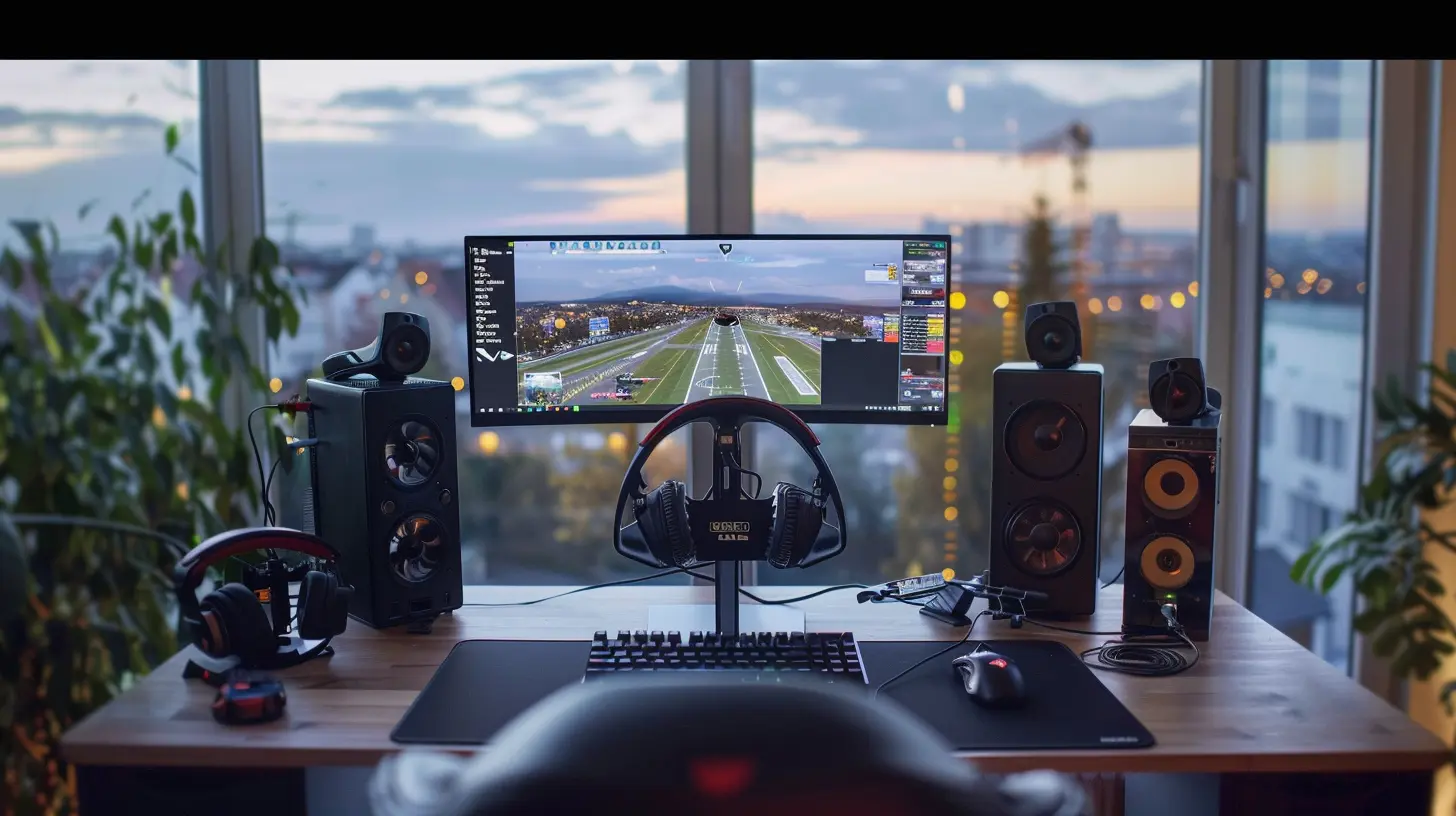
Essential Components of a Flight Sim Setup
To build your ultimate flight simulation rig, you’ll need more than just a computer and a copy of Microsoft Flight Simulator or X-Plane. Below, I’ve broken it down for you.1. A High-Performance Computer
Before you can even think about yokes and throttles, you need a PC that’s capable of handling the demands of modern flight simulators. These programs are no joke—they require serious computing power.- Graphics Card (GPU): Aim for at least an NVIDIA RTX 3060 or AMD RX 6700 XT if you want those clouds and landscapes to look jaw-droppingly realistic.
- Processor (CPU): Go for an Intel i7 or AMD Ryzen 7 for smooth, lag-free gameplay.
- RAM: You’ll want at least 16GB, but 32GB is better if you plan to run add-ons or mods.
- Storage: A fast SSD (Solid State Drive) ensures quick load times. Trust me, you don’t want to spend eternity staring at the loading screen.
> Pro Tip: Building your own PC? Balance your budget between the CPU and GPU for best results. You don’t need to sell your soul to afford this.
2. Monitor (Or Monitors)
When it comes to immersion, size matters. A standard 24-inch monitor might get the job done, but if you want to feel like you’re in a real cockpit, consider upgrading.- Ultrawide Monitor: An ultrawide monitor is like the IMAX of flight simulation, offering a panoramic view of the skies.
- Multi-Monitor Setup: For ultimate realism, go with three monitors—one for the cockpit view and two for side visuals. It’s like sitting in your own personal flight deck.
- 4K or 1440p Resolution: Higher resolution means crisper visuals, which is essential when you’re scanning for a runway at dusk.
3. Flight Controls (The Fun Stuff!)
Here’s where things get exciting. No flight sim setup is complete without the right controls.- Flight Yoke: The backbone of any setup, a yoke replicates the feel of a real airplane control wheel. Popular options include the Honeycomb Alpha Flight Yoke or Logitech G Saitek.
- Joystick: If you’re into fighter jets or smaller planes, a joystick might be more your speed. The Thrustmaster T.16000M is a great pick.
- Throttle Quadrant: Add a throttle quadrant for precise control over thrust. High-end models, like the Honeycomb Bravo Throttle Quadrant, even let you manage multiple engines.
- Rudder Pedals: These take your experience to the next level, allowing you to control the aircraft’s yaw. Trust me, without pedals, you’re only half a pilot.
4. Virtual Reality (VR) Headset
Want to feel like you’re really in the sky? Nothing beats VR. Headsets like the Oculus Quest 2 or Valve Index put you right in the cockpit. You can look around, interact with controls, and even lean in for a closer look at those tiny dials.Sure, it’s an investment, but it's worth it if you’re after the ultimate immersive experience. Plus, VR has come a long way—it’s comfortable and easy to set up now.
5. Realistic Audio Setup
Flying isn’t just about what you see—it’s about what you hear. A good audio setup can make or break your experience.- Headphones: Invest in a quality pair with surround sound. You’ll hear the roar of the engines, the hum of altitude changes, and even ATC chatter clearer than ever.
- Speakers: If headphones aren’t your thing, invest in a high-quality speaker system for those deep, rumbling engine sounds.
6. Cockpit Accessories and Furniture
Want to go full throttle on realism? Add a few cockpit accessories and a comfy chair.- Cockpit Panels: Companies like Logitech make switch panels, radio panels, and autopilot modules. These are great if you want to physically flip switches instead of clicking a mouse.
- Adjustable Chair: Get a gaming chair or office chair that’s comfortable for long-haul flights. Bonus points if it reclines like a pilot seat.
- Desk or Rig: Consider a sturdy desk or a dedicated sim rig to mount your equipment. Stick with something stable—no one likes turbulence in their setup.
7. Flight Simulation Software
Of course, none of this means a thing without the right software. The two big players are:- Microsoft Flight Simulator: Known for its jaw-dropping realism, detailed scenery, and massive aircraft selection.
- X-Plane: Offers a slightly steeper learning curve but excels in flight physics.
Both options are excellent, so choose whichever best suits your flying style.
8. Optional Extras
Once you’ve nailed the essentials, you can sprinkle in some extras for added flavor:- Custom Skins and Mods: Personalize your aircraft with custom liveries or add-on packs.
- Weather Mods: Real-time weather add-ons make flying even more challenging and realistic. Imagine navigating through a thunderstorm in VR—it’s hair-raisingly good! 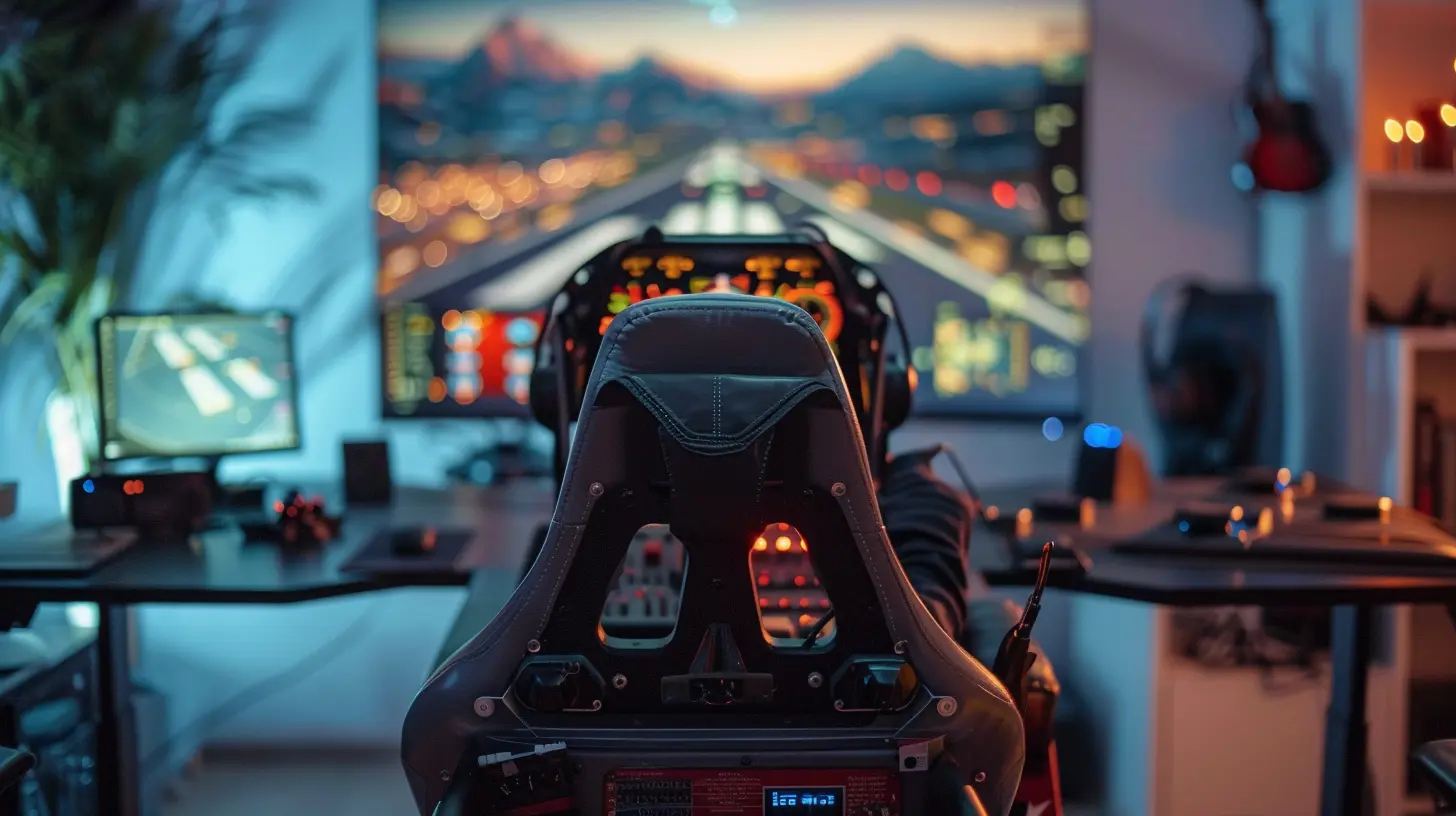
Tips for Optimizing Your Flight Sim Setup
Now that you’ve got your gear list, here are some quick tips to help you make the most of it:1. Start Small: Don’t blow your budget all at once. Begin with a basic setup and gradually upgrade as you get more comfortable.
2. Cable Management: Keep your desk tidy with cable organizers. A messy cockpit is a distracting cockpit.
3. Practice Makes Perfect: Flight sims can be difficult to master. Take the time to learn the controls and practice different scenarios. After all, Rome wasn’t built in a day, and neither was Top Gun.
4. Join a Community: Online forums and flight sim communities are goldmines for tips, tricks, and troubleshooting. You’ll also meet fellow enthusiasts who share your passion. 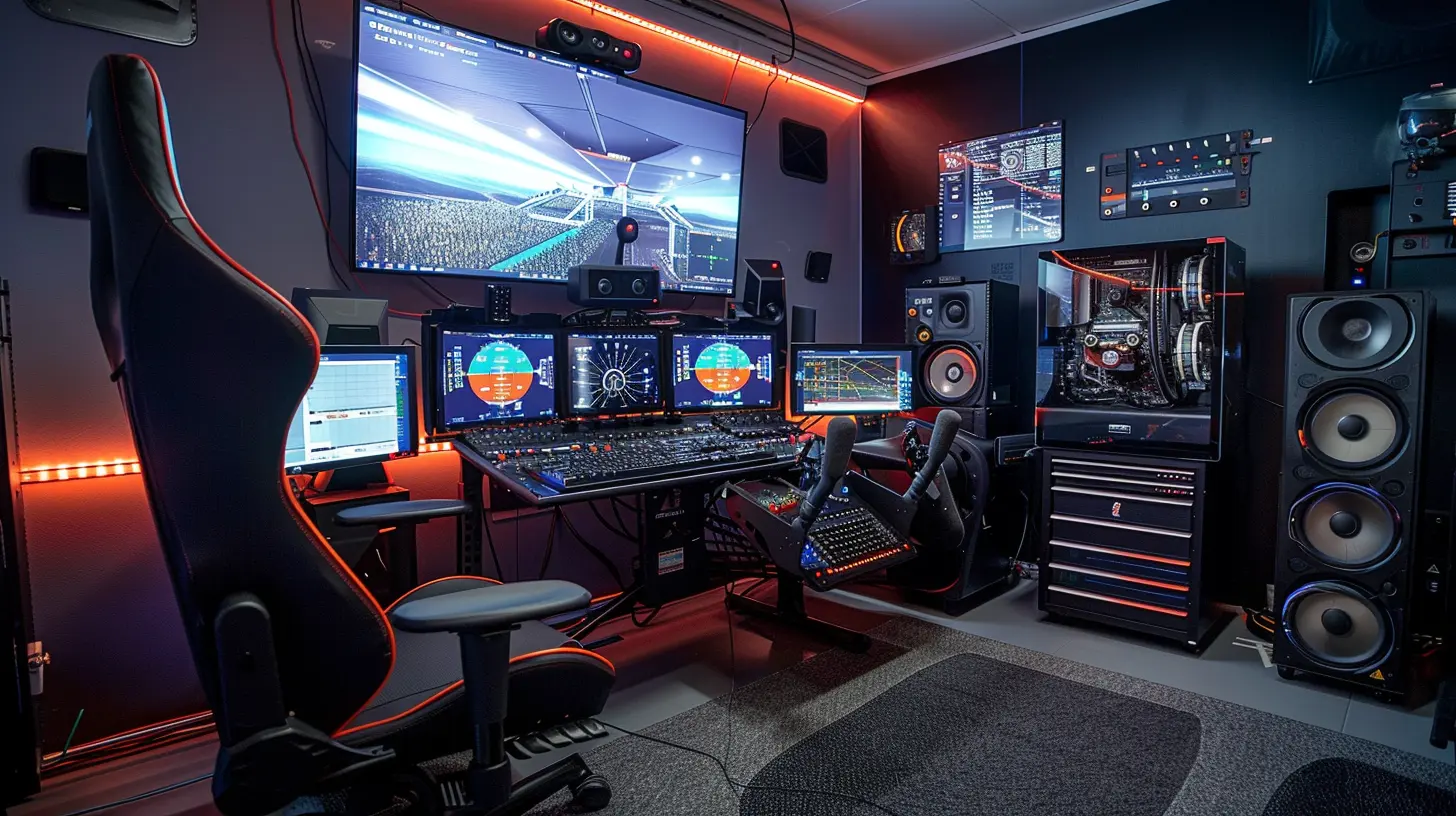
Final Thoughts
Building the ultimate flight simulation setup is no small feat, but it’s incredibly rewarding. Whether you’re a casual player or a die-hard aviation geek, the right setup will bring the skies to life like never before. Just remember to pace yourself, have fun, and embrace the learning curve.Who knows? Maybe someday you’ll graduate from virtual runways to the real thing. Until then, happy flying!
all images in this post were generated using AI tools
Category:
Gaming AccessoriesAuthor:

Leif Coleman
Discussion
rate this article
3 comments
Zella Ross
Invest wisely for an unmatched experience!
April 5, 2026 at 4:08 AM
Leif Coleman
Thank you! Investing in quality gear truly enhances the flight simulation experience.
Brick Kirkland
Skip the budget nonsense—go big or go home! Flight sim dreams deserve upgrades!
December 30, 2025 at 5:28 PM
Leif Coleman
While going big is tempting, balancing budget with quality can still lead to an amazing flight sim setup!
Zareth McConkey
This article offers practical insights for both beginners and seasoned sim enthusiasts. The focus on hardware choices, cockpit setup, and software recommendations is particularly helpful. However, a bit more detail on budget-friendly options would enhance its accessibility for all readers.
December 26, 2025 at 3:44 AM
Leif Coleman
Thank you for your feedback! I appreciate your suggestion on including more budget-friendly options and will consider it for future updates.