How Unreal Engine Games Handle Dynamic Weather and Environments
9 January 2026
Imagine this: you're deep in a fantasy world, sword in hand, and as you step out of the forest, the skies darken. Thunder crackles. Rain lashes down. Trees sway, puddles form, and a thick mist rolls across the mountains in the distance. You’re not in Kansas anymore. You’re in a game powered by Unreal Engine, where the weather isn’t just eye candy—it’s part of the game itself.
Dynamic weather and environments are more than just flashy visual effects. They change how we feel, how we play, and how immersed we get. And Unreal Engine? It's practically the wizard behind the curtain, making all that digital magic happen. So buckle up, because we’re diving deep into how Unreal Engine games conjure up those jaw-dropping, ever-changing worlds.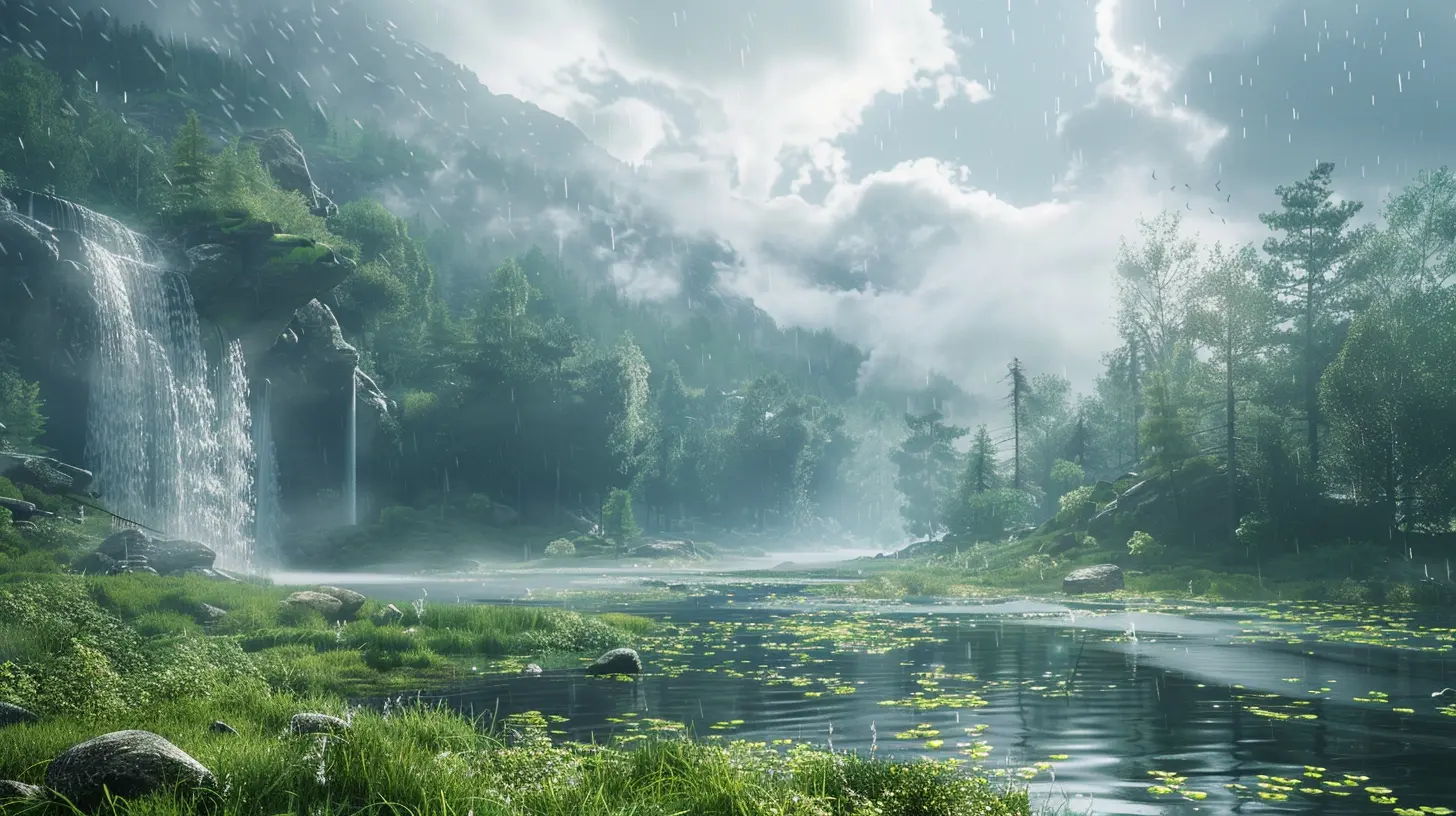
🌧️ What is Dynamic Weather in Games Anyway?
Let’s break it down—“dynamic weather” just means weather that changes in real-time as you play. No more static blue skies. We're talking about weather that evolves: rain that starts out of nowhere, fog that creeps in during sunrise, or dust storms that reduce visibility during a desert chase.But it’s not just about looking cool. Dynamic weather:
- Enhances immersion 🎮
- Influences gameplay mechanics 🔧
- Can set the mood or tone of a scene 🎬
Unreal Engine brings this to life in ways that will make your jaw drop. So how exactly does it pull off this digital weather sorcery?
☀️ The Power of Unreal Engine: A Quick Lowdown
Alright, before we get too deep, let’s give props to the tech. Unreal Engine, developed by Epic Games, is one of the most powerful game engines on the planet. It's the go-to tool for developers thanks to its:- Stunning real-time graphics
- Blueprints (a.k.a. visual scripting)
- Crazy versatile rendering systems
- Fully customizable weather systems
When developers want cutting-edge visuals with responsive, interactive environments, Unreal is almost always in the picture.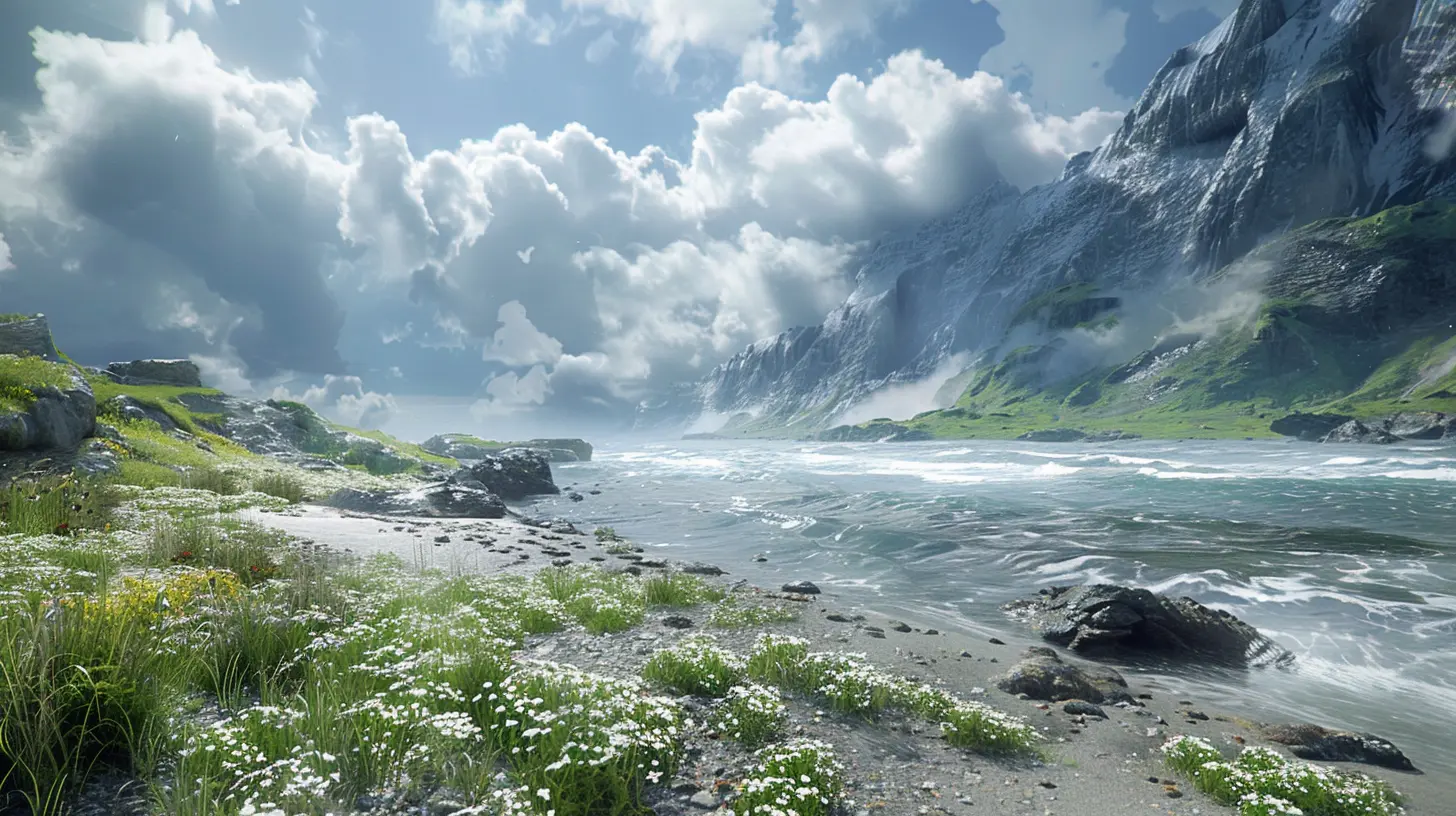
🌦️ Procedural Weather Systems: Where Magic Meets Math
Now here’s where things get juicy.Unreal Engine often uses procedural systems to generate dynamic weather. In plain English? Instead of someone hand-designing every weather change, the engine uses algorithms to decide when and how the weather changes.
Think of it like a digital dice roll based on probabilities and environmental factors. A sunny day might slowly transition into an overcast evening, then a full-blown storm, all depending on the conditions set by the developer.
How It Works:
1. Blueprint Scripts – Using Unreal's Blueprints, developers can set weather triggers like rainfall starting at a certain time or when the player hits a specific location.2. Material Shaders – These control how surfaces change during weather (wet roads, frost-covered windows, etc.)
3. Particle Systems – For visual effects like falling snow, leaves blowing in wind, or lightning strikes.
And because Unreal Engine uses real-time rendering, everything updates on the fly. You could literally be walking through a valley as a storm brews and watch the environment transform step by step.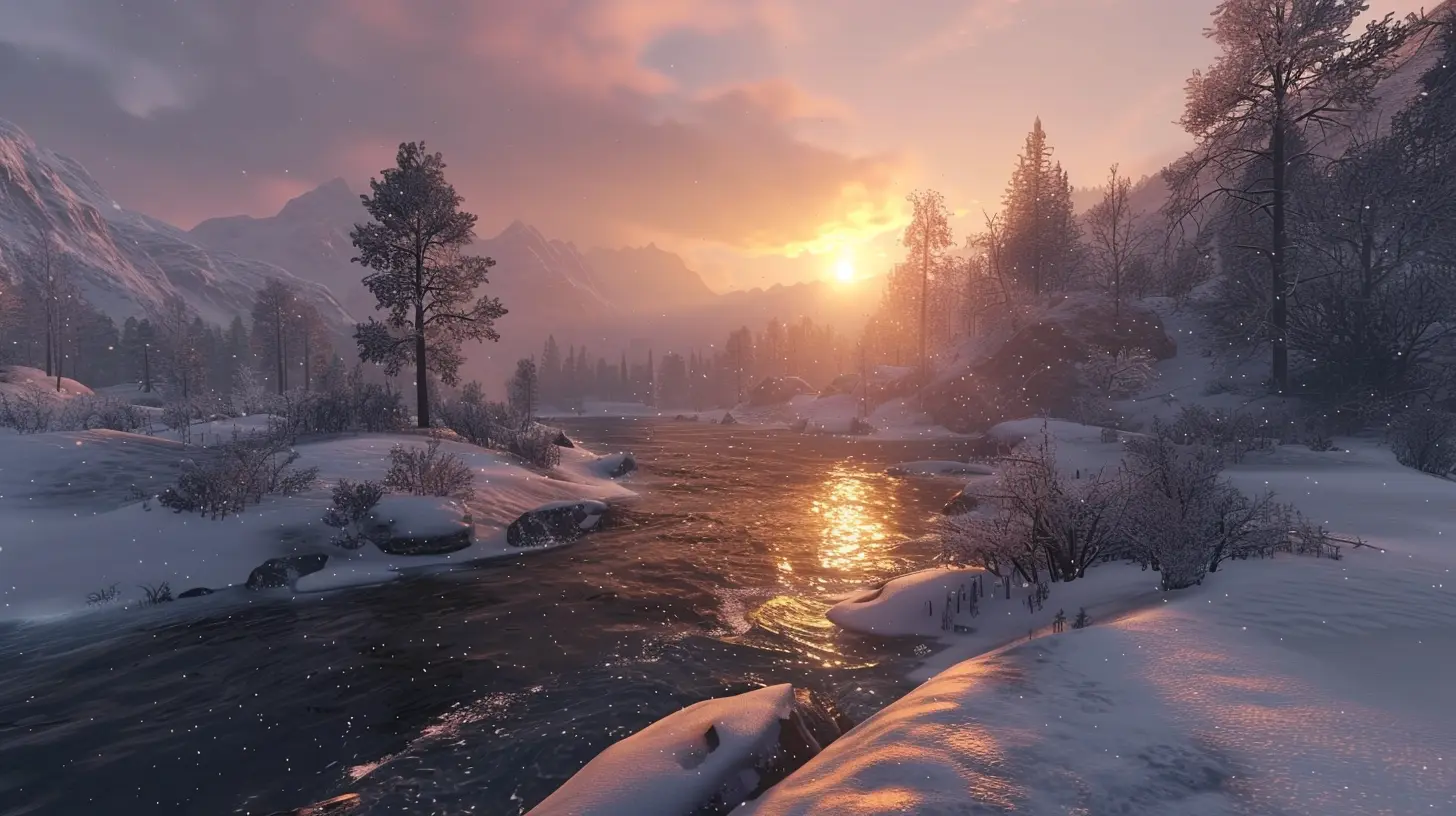
🌪️ Wind, Fog, Rain, and Fire: Environmental Systems on Steroids
Unreal Engine doesn't stop at weather—it goes full-on environmental drama.💨 Wind Systems
Wind isn’t just a breeze floating in—Unreal simulates how wind affects objects. Trees sway based on wind direction and speed. Particles like leaves or ash float dynamically. In some games, even your character’s cloak reacts subtly.Games like The Legend of Zelda: Breath of the Wild (not on Unreal but a good reference) made wind tactical—Unreal lets developers do the same. Campfires die out, arrows fly differently, and stealth goes out the window when a gust gives away your position.
🌫️ Fog and Volumetric Effects
Fog isn’t a flat layer anymore. Unreal Engine uses volumetric fog to give it... well... volume. It reacts to light. Move through it and you’ll see rays scatter realistically. Perfect for spooky forests or battlefield smoke.☔ Rain and Wet Surfaces
Raindrops aren’t just animated textures—they’re particles that interact with the environment. Combine that with Unreal’s advanced materials and water shaders, and boom—roads glisten, puddles reflect, and character models get visibly drenched.🌍 Environment Reactivity: Making the World Feel Alive
Okay, so rain falls and wind blows. Big deal, right?Wrong.
Unreal Engine games often take it a step further. Dynamic weather isn’t just about what you see—it’s about what happens because of it.
Terrain and Surface Changes
- Muddy paths form during rain.- Ice makes movement slippery.
- Snow accumulates and leaves footprints (yes, even those are procedural).
AI Behavior Shifts
- Enemies may take shelter during storms.- Wildlife might migrate based on seasons or weather.
- NPCs use umbrellas or react to the cold.
The idea is to make the world feel like it exists even when you’re not around.
🔄 Real-Time Weather Syncing: Is That My Real-Life Forecast?
You heard that right—some developers connect in-game weather to real-world data. Unreal Engine can integrate APIs that pull weather info from your location and reflect it in-game.Sunny outside? The game stays clear.
Thunderstorm IRL? Expect that same chaos in-game.
It’s freaky (in a good way), and adds a whole new level of immersion.
🧩 Seamless Transitions: From Sunny to Sinister
Nothing breaks immersion more than a weather shift that’s too sudden. Unreal has nailed the art of gradual transitions.Using its timeline systems and LOD (Level of Detail) strategy, Unreal ensures that lighting, clouds, reflections, and shadows update smoothly. It’s like watching a time-lapse in real life.
Games like Red Dead Redemption 2 (not Unreal, but similar principles apply) showcase how dangerous a storm can feel when it creeps in over 15 real-time minutes.
🔧 Developer Tools: Blueprint vs. C++ in Weather Systems
So, how do devs pull all this off?Unreal gives two main options:
Blueprint (No-code)
Perfect for visual tweaks and quick prototyping. Many indie devs use Blueprints to tie weather effects to triggers, areas, or gameplay events.C++ (Full control)
Want hardcore control over physics, AI reactions, or custom shaders? C++ is the way. It’s more complex, but opens up infinite possibilities.In short: Blueprint is like a Lego set, and C++ is like molding the plastic yourself.
⚙️ Third-Party Plugins & Marketplace Add-Ons
The Unreal Marketplace is also a goldmine. Developers don’t always build everything from scratch. Some top-rated weather/environment plugins include:- Ultra Dynamic Sky
- TrueSky
- Volumetric Clouds by Epic
- WeatherFX
These can be dropped into a project and customized, saving tons of time while bringing AAA-level visuals.
🎮 Popular Unreal Engine Games with Dynamic Environments
Let’s look at some heavy hitters using Unreal to the fullest:- Fortnite – Dynamic storm circles and real-time lighting shifts.
- Ark: Survival Evolved – Weather affects animal behavior and survival mechanics.
- Days Gone – Uses weather to change how zombies behave and how stealth works.
- PUBG (early versions) – Weather impacted visibility and strategy.
It’s not just about pretty skies—it’s about how those skies impact gameplay.
🔮 The Future of Weather in Unreal Engine
Unreal Engine 5 is here, and it’s a game-changer (pun totally intended). With features like:- Lumen (real-time global lighting)
- Nanite (ultra-detailed meshes)
- Advanced volumetric clouds and surfaces
The line between real-world weather and digital worlds is only getting blurrier. Imagine a game where your choices affect the climate. Or where a fantasy world evolves seasons based on global player behavior. We’re not far off.
🧠 Final Thoughts: It’s More Than Just Rain
Dynamic weather in Unreal Engine isn’t just technical flair. It’s storytelling. It’s gameplay. It’s atmosphere.Weather can be a character in itself—a silent one, sure, but powerful. And Unreal Engine gives developers the tools not just to paint a beautiful world, but to make it breathe, storm, and shine right along with you.
So next time you’re caught in a thunderstorm in-game, pause for a sec. Look around. That rain? That wind? That’s not just code. That’s artistry in motion.
all images in this post were generated using AI tools
Category:
Unreal Engine GamesAuthor:

Leif Coleman
Discussion
rate this article
3 comments
Amanda Bailey
Impressive tech! Dynamic weather elevates gameplay immersion.
April 8, 2026 at 5:09 AM
Leif Coleman
Thank you! We're excited to see how dynamic weather enhances the gaming experience and adds realism to gameplay.
Beatrix Becker
This article brilliantly highlights the innovative ways Unreal Engine incorporates dynamic weather and environmental changes into gameplay. The immersive experiences these features create truly elevate the gaming landscape and enhance player engagement. Well done!
January 12, 2026 at 4:50 AM
Leif Coleman
Thank you for your kind words! I'm glad you found the article insightful. Unreal Engine truly transforms gaming experiences with its dynamic features!
Avianna Jacobs
Dynamic weather in Unreal Engine games? Finally, my character can experience the existential dread of a rainstorm while fighting off pixelated zombies! Just imagine: 'Sorry, I can't save you, I’m busy dodging lightning bolts and trying to figure out why the umbrella is not in my inventory!'” ☔️🎮
January 10, 2026 at 3:45 AM
Leif Coleman
Absolutely! The integration of dynamic weather in Unreal Engine adds layers of immersion and challenge, allowing players to navigate not just the enemies, but also the unpredictability of nature itself. Every storm can change the game!