RTS Enthusiast? Here's the Perfect Mouse for You
6 December 2025
Real-Time Strategy (RTS) games are a unique breed, aren't they? They're not your run-of-the-mill button-mashers or aim-and-shoot distractions. RTS games demand strategy, precision, and insane multitasking skills. Ever tried managing 200 units while mapping out your next attack AND defending your base simultaneously? Yeah, it’s no walk in the park. So why handicap yourself with a subpar mouse? If you're an RTS enthusiast, your mouse isn't just a tool; it’s your weapon. And trust me, picking the perfect one can be the difference between dominating the map or getting steamrolled in the first 15 minutes.
Let’s cut the fluff and get straight to what matters. This article will cover why finding the right mouse is crucial for RTS gamers, key features to look out for, and some of the best options tailored for RTS enthusiasts like yourself. By the end, you’ll know exactly what to shop for. Ready? Let’s dive in!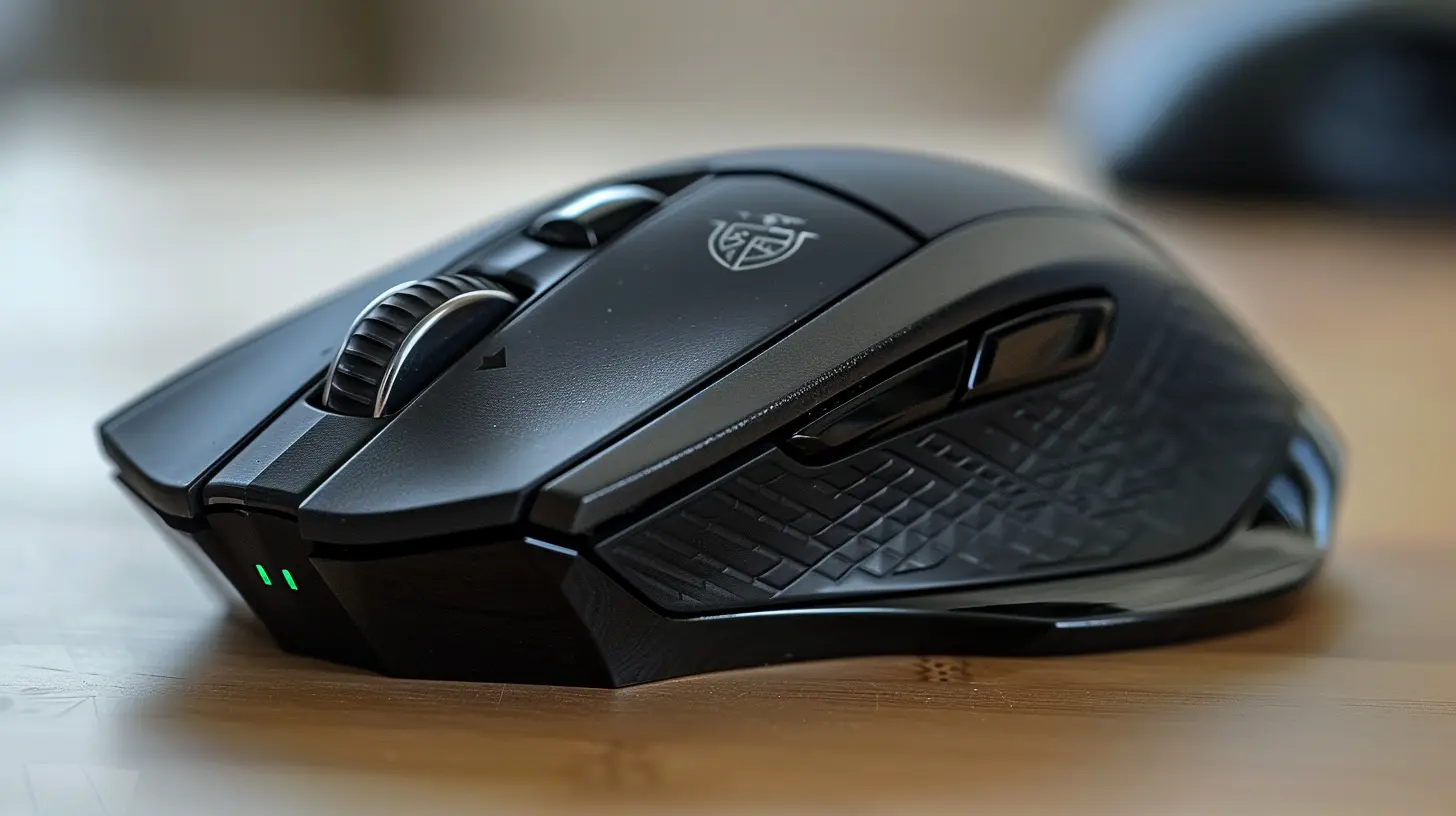
Why Your Mouse Matters More Than You’d Think
First things first, let’s talk about why you should care about your mouse if you're into RTS games. Spoiler alert: it's not just about fancy RGB lights. A solid gaming mouse is to an RTS player what a high-precision scalpel is to a surgeon. It’s all about accuracy, speed, and control.Think about it. RTS titles like StarCraft II, Age of Empires IV, or Total War require lightning-fast decision-making. You’re clicking and dragging non-stop, issuing commands, managing resources, switching screens, and deploying armies. The right mouse won’t just keep up—it’ll elevate your gameplay.
A subpar mouse? That’s like trying to conduct an orchestra with broomsticks. Lag, imprecise clicks, and a bad grip will ruin your flow faster than a bad rush strategy.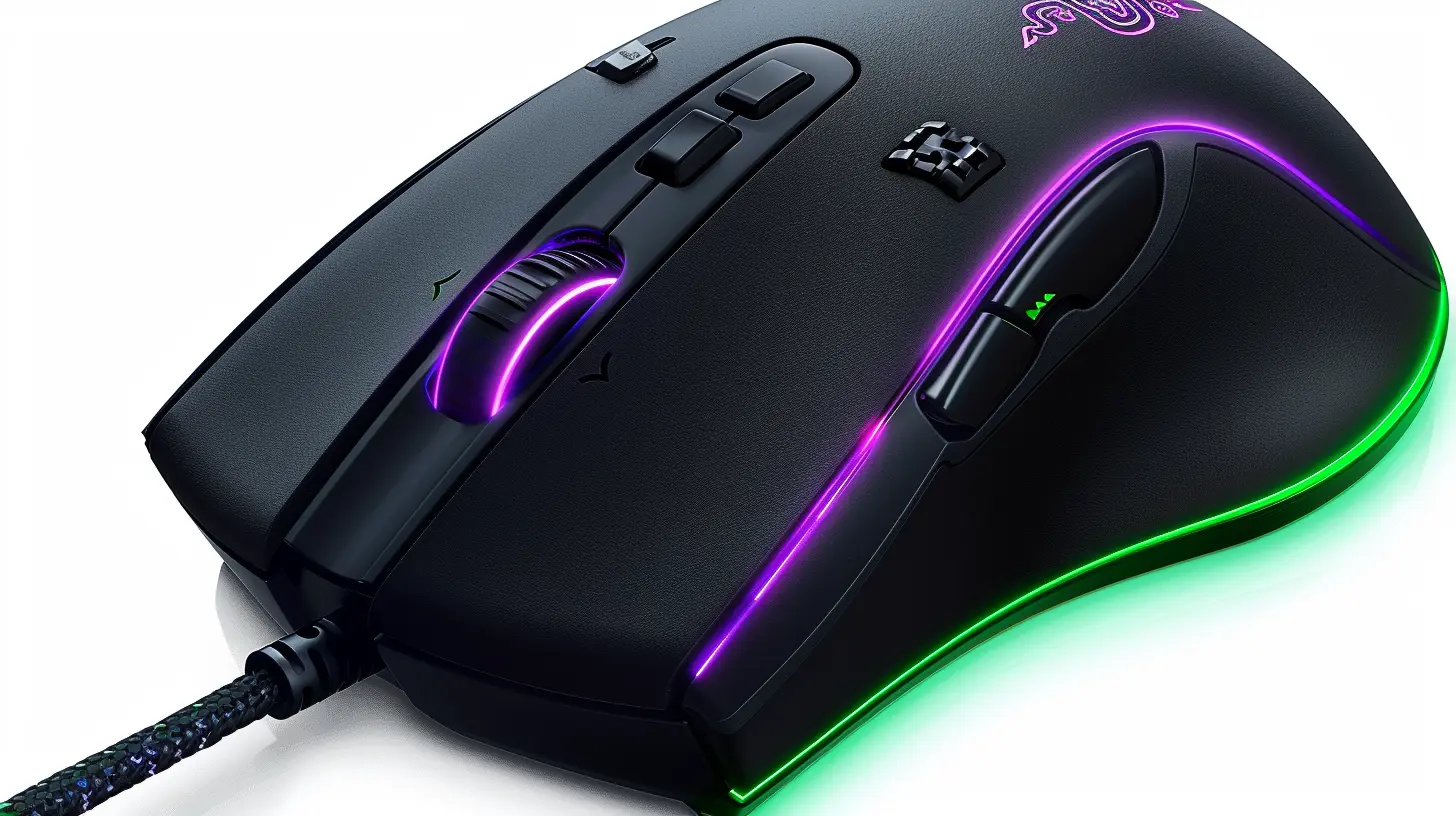
Top Features to Look for in an RTS Gaming Mouse
Not all gaming mice are created equal. Just because someone calls it a "gaming mouse" doesn’t mean it's optimized for RTS games. While FPS-focused mice prioritize aim precision and MMO mice cram in a bajillion buttons, RTS players need a balanced approach. Here’s what to look out for:1. Lightweight and Agile Design
RTS gaming is a marathon, not a sprint. You’ll spend hours micro-managing armies, so you need a mouse that feels featherlight. Heavy mice may cause hand fatigue, putting you one step closer to defeat. A lightweight design lets you glide across your mousepad effortlessly.2. Responsive Clicks Matter
Ever missed a critical command because your mouse didn’t register a click? Yeah, that’s rage-quit material. RTS gamers issue hundreds—if not thousands—of clicks per session. A mouse with responsive, tactile buttons ensures every command is executed without delay. No ghost clicks, no missed actions.3. DPI (Dots Per Inch) Adjustability
In RTS games, you’re constantly switching between large sweeping movements (moving across the map) and small, precise ones (like selecting individual units). Having on-the-fly DPI adjustment is a godsend. It lets you adapt your sensitivity based on the situation without ever missing a beat.4. Ergonomic Grip
Comfort is key, especially during those marathon Civ or Total War sessions that stretch into the wee hours of the night. Look for a mouse with an ergonomic shape that fits snugly in your palm. Whether you're claw-gripping, palm-gripping, or fingertip-hovering, your mouse should feel like an extension of your hand.5. Minimalist Button Layout
Unlike MMO players, RTS enthusiasts don’t need a mouse loaded with 12 side buttons. You just need a strategic number of programmable buttons (say, 2-4 at most) to map essential commands without overwhelming your thumb.6. Durable Build (Built to Survive the Click-fest)
RTS games are notorious for their click-intensive gameplay. Your mouse must be able to handle the abuse. Look for one rated for millions of clicks. Trust me, cheap build quality is a no-go. The last thing you want is a button giving out mid-game.7. High Polling Rate
This refers to how often your mouse communicates with your PC. A high polling rate (1000Hz or above) means your clicks and movements are registered almost instantly. For RTS games where every split second counts, this is non-negotiable.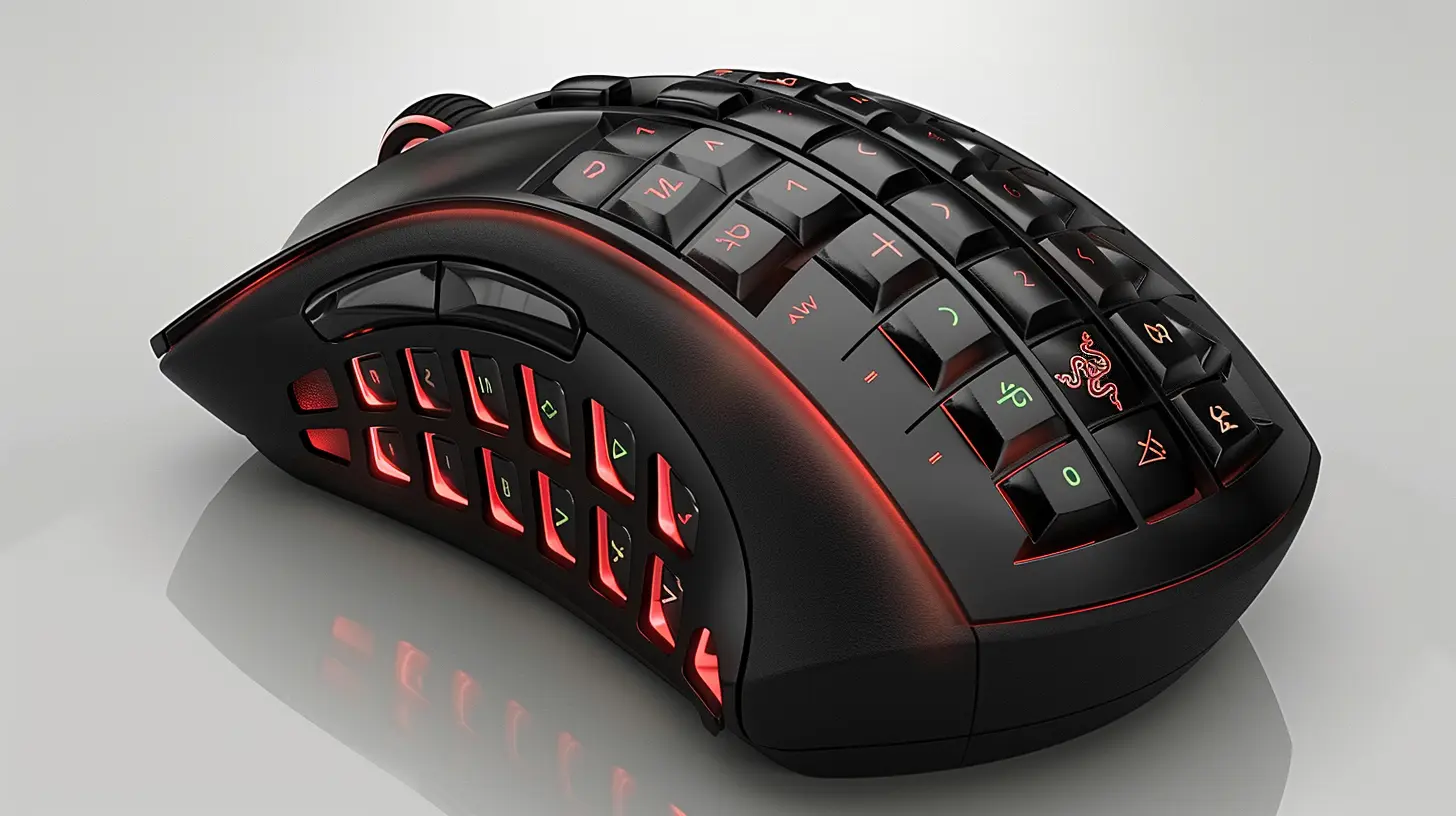
Top Recommended Mice for RTS Enthusiasts
Now that you know what features to look for, let’s get into some recommendations. I’ve rounded up the best mice that tick all the boxes for RTS players. These bad boys don’t just meet expectations—they crush them.1. Logitech G Pro X Superlight
- Why It’s Awesome: True to its name, the Superlight weighs in at a jaw-dropping 63 grams. It feels like you’re holding nothing, and that’s exactly what you need during long gaming sessions. Combine that with Logitech’s HERO sensor (25,600 DPI) and a slick, minimalist design, and it’s perfect for RTS gaming.- Best For: Players who prize speed and simplicity.
2. Razer Viper Mini
- Why It’s Awesome: Compact, lightweight, and loaded with features, the Viper Mini punches well above its price point. Its 8500 DPI sensor and ultra-lightweight frame make it ideal for precise RTS maneuvers. Plus, the build quality won’t let you down.- Best For: Budget-conscious RTS enthusiasts who don’t want to compromise on performance.
3. SteelSeries Rival 3
- Why It’s Awesome: With a durable build, fantastic ergonomic grip, and TrueMove Core sensor, the Rival 3 is a beast for its price. It offers exceptional precision and comfort in one sleek package. Also, it’s built for endurance with a 60-million-click lifespan.- Best For: Gamers seeking durability and performance in the mid-range price bracket.
4. Corsair Katar Pro XT
- Why It’s Awesome: Corsair knows their stuff, and the Katar Pro XT is no exception. With a lightweight build (73 grams) and a 18,000 DPI sensor, it’s fast, responsive, and ridiculously accurate.- Best For: RTS gamers looking for fast clicks and smooth tracking without breaking the bank.
5. Zowie FK2-B
- Why It’s Awesome: Zowie is a brand that pros swear by, and the FK2-B is a gem for RTS. Its ambidextrous design ensures a comfortable grip for both lefties and righties, and its no-BS button layout keeps things simple and effective.- Best For: Serious players who value precision over bells and whistles.
Tips for Maximizing Your RTS Mouse Performance
Okay, so you’ve got your dream mouse. Now what? Well, it’s not just about owning the gear—it’s about optimizing it. Let’s make sure you’re squeezing every ounce of performance out of your new RTS weapon.1. Adjust Your DPI Sensitivity: Experiment with different DPI settings to find what works best for your playstyle. Most RTS players favor a medium DPI setting (800-1600) for a balance of precision and movement.
2. Customize Button Mapping: Assign key RTS commands (like grouping units or switching views) to your mouse’s programmable buttons. This reduces the need to stretch your fingers across the keyboard.
3. Invest in a Quality Mousepad: The right surface can make your mouse movements smoother and more precise. Consider a low-friction, larger mousepad for peak performance.
4. Take Breaks: Sounds lame, but trust me, fatigue kills performance. Use your shiny new mouse to its full potential by taking short breaks to stretch your hand and prevent strain.
Final Thoughts
The perfect RTS gaming mouse isn’t just a luxury—it’s a necessity. It keeps you ahead of the competition, makes you more efficient, and most importantly, ensures that every click and movement counts. Whether you’re scouting, issuing commands, or micro-managing troops, the right mouse will give you the edge you need.Don’t settle for less. RTS games demand precision and speed, and a high-quality mouse can deliver exactly that. So, go ahead—pick the right weapon for your virtual conquests and start climbing those leaderboards. Your APM (actions per minute) will thank you.
all images in this post were generated using AI tools
Category:
Hardware ReviewsAuthor:

Leif Coleman
Discussion
rate this article
3 comments
Zailyn McMillen
This mouse offers precision and programmable buttons, making it ideal for RTS gamers. Its ergonomic design ensures comfort during long sessions, enhancing your gameplay experience. A must-have for strategy enthusiasts!
March 29, 2026 at 2:43 PM
Leif Coleman
Thank you for your feedback! We're glad you found the mouse's features appealing for RTS gaming. Happy gaming!
Caelum Brooks
Great insights! The recommended mouse really enhances RTS gameplay. Comfort and precision are key, and it sounds like this mouse delivers on both fronts.
December 8, 2025 at 4:08 AM
Leif Coleman
Thank you! I’m glad you found the insights valuable. This mouse truly balances comfort and precision, making it ideal for RTS gamers. Happy gaming!
Faelith Patterson
Great article! As an RTS enthusiast, I appreciate your insights on the perfect mouse. The emphasis on precision and ergonomics really resonates with gamers looking to enhance their experience. I’m excited to try out your recommendations. Keep up the fantastic work!
December 7, 2025 at 4:48 PM
Leif Coleman
Thank you so much for your kind words! I'm glad you found the insights helpful—happy gaming!