The Best Fallout Mods for a Fresh Wasteland Experience
5 May 2026
Let’s be honest—wandering across the radioactive wastelands of Fallout can be thrilling, but after your sixth playthrough, even the post-apocalypse can start feeling a little... bland. If you’ve scrounged every last bottle cap, sided with every faction, and still crave something new, it’s time to breathe fresh life into the wasteland. How? Mods.
Mods aren't just tweaks or minor additions. They're game-changers—literally. They can overhaul graphics, introduce sprawling new quests, add new weapons, or turn Fallout into an entirely different beast. Doesn’t that sound exciting?
In this guide, we’ll take a deep dive into the best Fallout mods for a completely fresh and re-energized wasteland experience. Whether you’re a Fallout 3, New Vegas, or Fallout 4 die-hard, I’ve got you covered.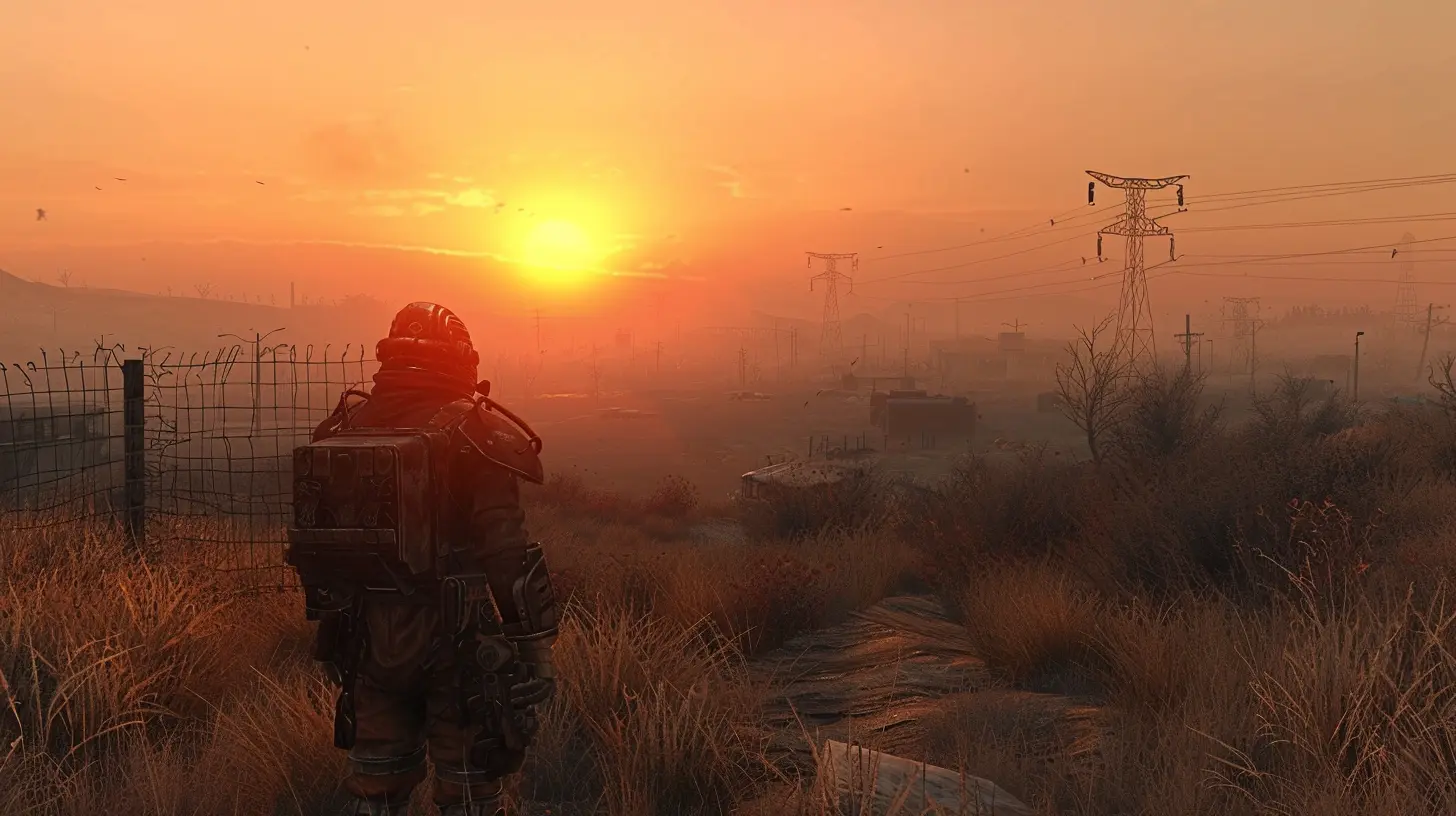
Why Mods Matter in Fallout
If you’ve never dipped your toes into the modding pool, you might be wondering—why bother?Imagine Fallout as a great cup of black coffee. It's strong, bitter, and satisfying. Now imagine mods as different flavors of syrup. A vanilla twist here, a caramel drizzle there—suddenly you've got a gourmet experience. Mods expand the game’s potential way beyond what the developers could pack in.
They fix bugs, enhance visuals, add new dialogue, even create entirely new storylines. Basically, they let the community's imagination run wild, and we players get to enjoy the fruits of that creativity.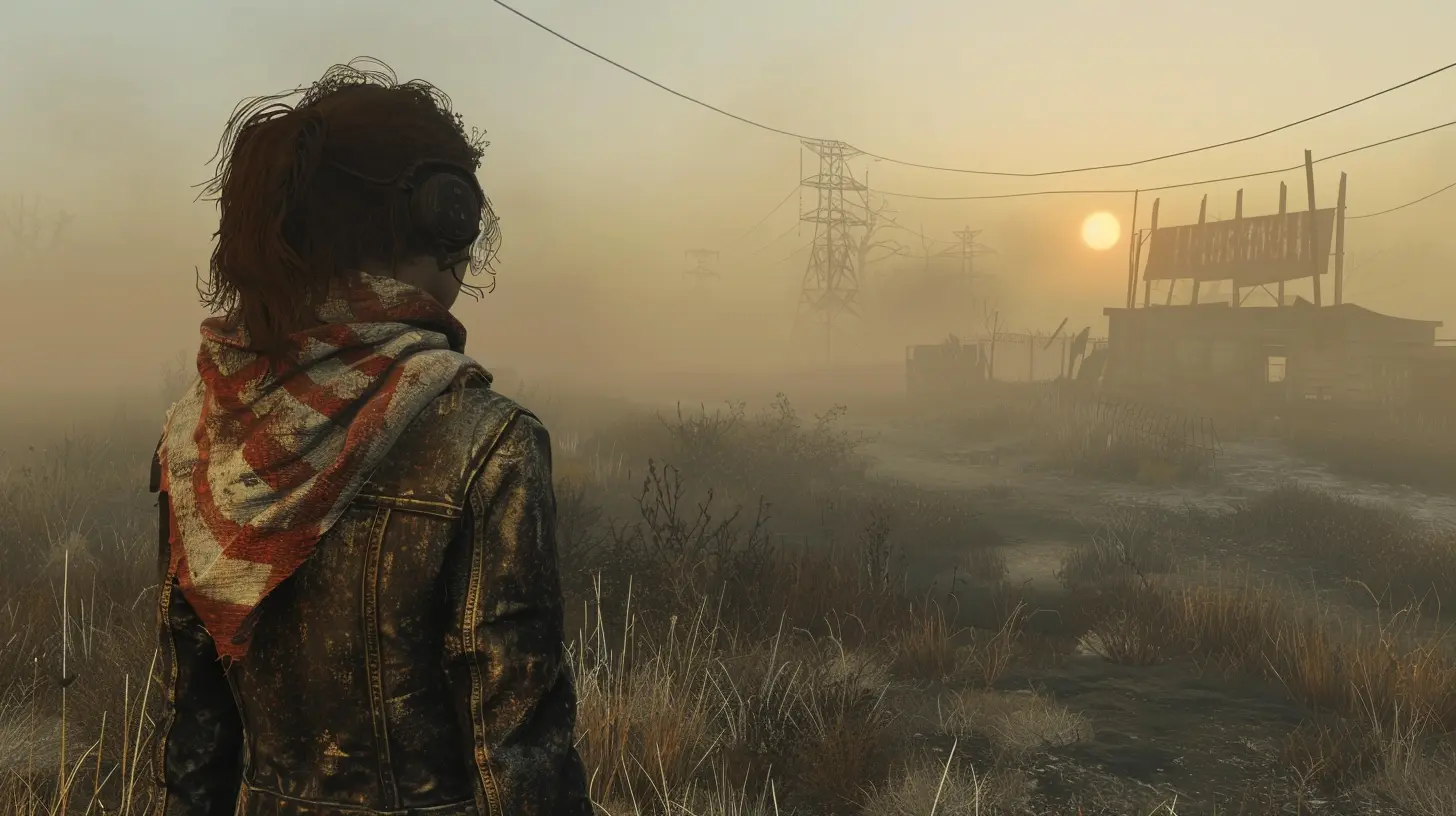
Getting Started with Modding
Before we dive into the list, let’s cover the basics. Installing mods is easier than ever, thanks to tools and platforms like:- Nexus Mods – The go-to place for most Fallout mods.
- Vortex Mod Manager – Makes installing, enabling, and disabling mods super simple.
- LOOT (Load Order Optimization Tool) – Prevents game crashes caused by mod conflicts.
Always remember to:
1. Back up your saved games.
2. Read the mod descriptions and requirements carefully.
3. Install mods one at a time and test before stacking more.
Alright, ready to rebuild the wasteland your way? Let’s roll!
Fallout 4 – Must-Have Mods
1. Sim Settlements 2
Want to turn your settlements into fully-functioning towns that basically run themselves? Sim Settlements 2 doesn’t just improve the previous mod—it turns Fallout 4 into more of a city-building RPG.You can assign settlers to build their homes and businesses automatically. It even introduces new quests and a fully-voiced storyline. Think of it as Fallout meets SimCity, and boy, it’s addictive.
2. True Storms
Let’s be real—weather in vanilla Fallout 4 kind of feels... meh. True Storms cranks it up to 11.Expect torrential rain, booming thunder, dust storms, and even radiation-infused lightning. The immersive sound design alone is worth the mod.
Pro tip: equip a gas mask during rad storms—it’s not just for looks anymore.
3. Armorsmith Extended
Tired of not being able to wear your favorite hat with your armor? Armorsmith Extended fixes that.It overhauls the armor and clothing system so you can mix, match, and layer your outfit just the way you like. Fashion and function? Yes, please.
4. Start Me Up – Alternative Start
Let’s face it, the intro to Fallout 4 is long—and you’ve likely seen it a dozen times.Start Me Up lets you skip the lengthy Vault 111 sequence and choose your backstory. Want to start as a raider or a Brotherhood of Steel member? Go for it. It's like rolling a new D&D character.
Fallout: New Vegas – Still the King of Mods
Some still swear New Vegas is the best Fallout game—and mods are a big reason why it’s stood the test of time.5. Project Nevada
This is basically the Swiss Army knife of mods for New Vegas.Project Nevada adds tons of features: sprinting, cyber implants, a better HUD, better combat mechanics—you name it. It’s like giving your game a Red Bull and a combat upgrade all at once.
6. New Vegas Bounties Series
Craving some gritty, bounty-hunter-style quests with top-notch voice acting and storytelling? The New Vegas Bounties mods are essential.They add a fully fleshed-out bounty system with memorable characters and moral choices that feel more impactful than half the choices in the base game.
7. The Frontier
This one’s wild. The Frontier is a full-blown DLC-sized mod that transports you to a frozen, war-torn Portland.It features driveable vehicles, new factions, hundreds of hours of gameplay, and even new voice acting. It’s essentially a new game built on top of New Vegas.
Fallout 3 – The Classic Gets a Makeover
Even Fallout 3, the oldest of the bunch, has some incredible mods that breathe new life into the Capital Wasteland.8. Fallout 3 Redesigned – Formerly Project Beauty
Let’s be honest—the character models in Fallout 3 did not age well.This mod gives characters updated, more realistic faces, fixing some of those uncanny valley nightmares the original game served up.
9. DC Interiors Project
Ever walked past a building in Fallout 3 and wished you could go inside? This mod opens up tons of previously locked interiors.Explore new homes, offices, apartments, and stores—each one adding more depth and immersion to the world. Perfect for the curious wanderer.
10. Fellout
Fallout 3’s green tint can get old fast. Fellout removes that sickly shade and introduces a more balanced, colorful lighting system.The result? A cleaner, crisper, and more realistic-looking wasteland. It's like opening the windows after years in a bunker.
Universal Mods (Work Across Multiple Games)
These mods either inspire similar versions for all Fallout games or are actual tools you can use across titles.11. ENB Series
Whether it’s Fallout 3, NV, or 4, using an ENB preset ups the game’s graphical fidelity big time.Think better lighting, improved color contrast, and more realistic shadows. It’s like giving the game a mini remaster.
Just don’t go overboard—too many effects can tank performance faster than a mini-nuke.
12. Weapons of the New Millenia
This mod (and others like it) introduces real-world weapons with actual detail and punch. It adds an arsenal that feels modern, realistic, and powerful.Prepare to fall in love with your new favorite gun.
13. Unofficial Patch Mods
Sometimes the best mod is the one that makes your game stop crashing every ten minutes.Whatever Fallout title you’re modding, look for the community-made "unofficial patch." They’re essential, fixing thousands of bugs Bethesda missed or couldn’t be bothered with.
For The Modding Veteran: Total Conversion Mods
Want to scrap the Fallout world entirely? These mods are basically full games.14. Fallout: Miami (WIP)
This one’s still in development, but oh man, the previews alone are drool-worthy.It transplants the Fallout universe to a neon-drenched, Vice City-style setting. Think palm trees, synthwave, and ghouls sipping radioactive mojitos. Bookmark this one.
15. Fallout: Cascadia
Set in a post-apocalyptic Seattle, Fallout: Cascadia is another massive fan-made project boasting new factions, dialogue, and environments.It promises a world as large as the base game. Still in the works, but worth keeping an eye on if you want a whole new vibe.
Tips to Keep Your Modded Game Stable
Modding is a blast—until your game crashes every fifteen minutes. Here are three golden rules:1. Always read mod instructions and requirements. Seriously, don’t skip this.
2. Use LOOT to sort your load order. It prevents 99% of mod conflicts.
3. Don’t go mod-crazy all at once. Test every few installs. That sword that adds fire damage? Might melt your save file too.
So… Ready to Rebuild the Wasteland?
There you have it—some of the best Fallout mods to inject new life, challenge, and flair into your wasteland adventures. Whether you’re revamping settlements, diving into new quests, or just want your NPCs to look less like potatoes, mods give you the power to play your game your way.So, what are you waiting for? Time to fire up your mod manager, crack open a Nuka-Cola, and start reshaping the apocalypse.
Got a favorite mod that didn’t make the list? Drop it in the comments—I’m always hunting for my next wasteland obsession.
all images in this post were generated using AI tools
Category:
Game ModsAuthor:

Leif Coleman
Discussion
rate this article
2 comments
Nix McCoy
The article highlights impressive mods that breathe new life into Fallout. Each mod enhances immersion, from graphics upgrades to gameplay tweaks, ensuring both veterans and newcomers can explore the wasteland in exciting ways.
May 18, 2026 at 3:26 AM
Leif Coleman
Thanks for the feedback! I'm glad you enjoyed the mods and found them immersive. Happy exploring in the wasteland!
Starla Klein
Excited to try these mods for a new adventure!
May 6, 2026 at 3:58 PM
Leif Coleman
Glad to hear that! Hope you enjoy the fresh adventures ahead.