The Secret Sauce Behind Unreal Engine’s Best Performances
12 May 2026
Unreal Engine—it’s the holy grail of game development engines, the magic wand behind jaw-dropping visuals and silky-smooth gameplay. Whether you're a budding indie dev or a hardcore AAA studio, Unreal Engine is probably on your radar. But what exactly makes Unreal Engine such a powerhouse, especially when it comes to performance?
Let’s dive into the secret sauce that makes Unreal Engine’s best performances truly shine. No coding jargon overload (well, maybe a little), no fluff—just real talk on how Unreal Engine keeps gamers coming back for more.
Unreal Engine: A Quick Primer
Before we spill the tea, let’s make sure we’re all on the same page.Unreal Engine is Epic Games’ flagship engine. Originally launched in the late '90s, it's now in its fifth major iteration—Unreal Engine 5—and it's more powerful than ever. Built for flexibility, it isn’t just for games anymore. We’re talking about applications in film, architecture, simulation, and even the freakin' metaverse.
But the real kicker? Unreal Engine isn’t just popular. It’s revolutionary.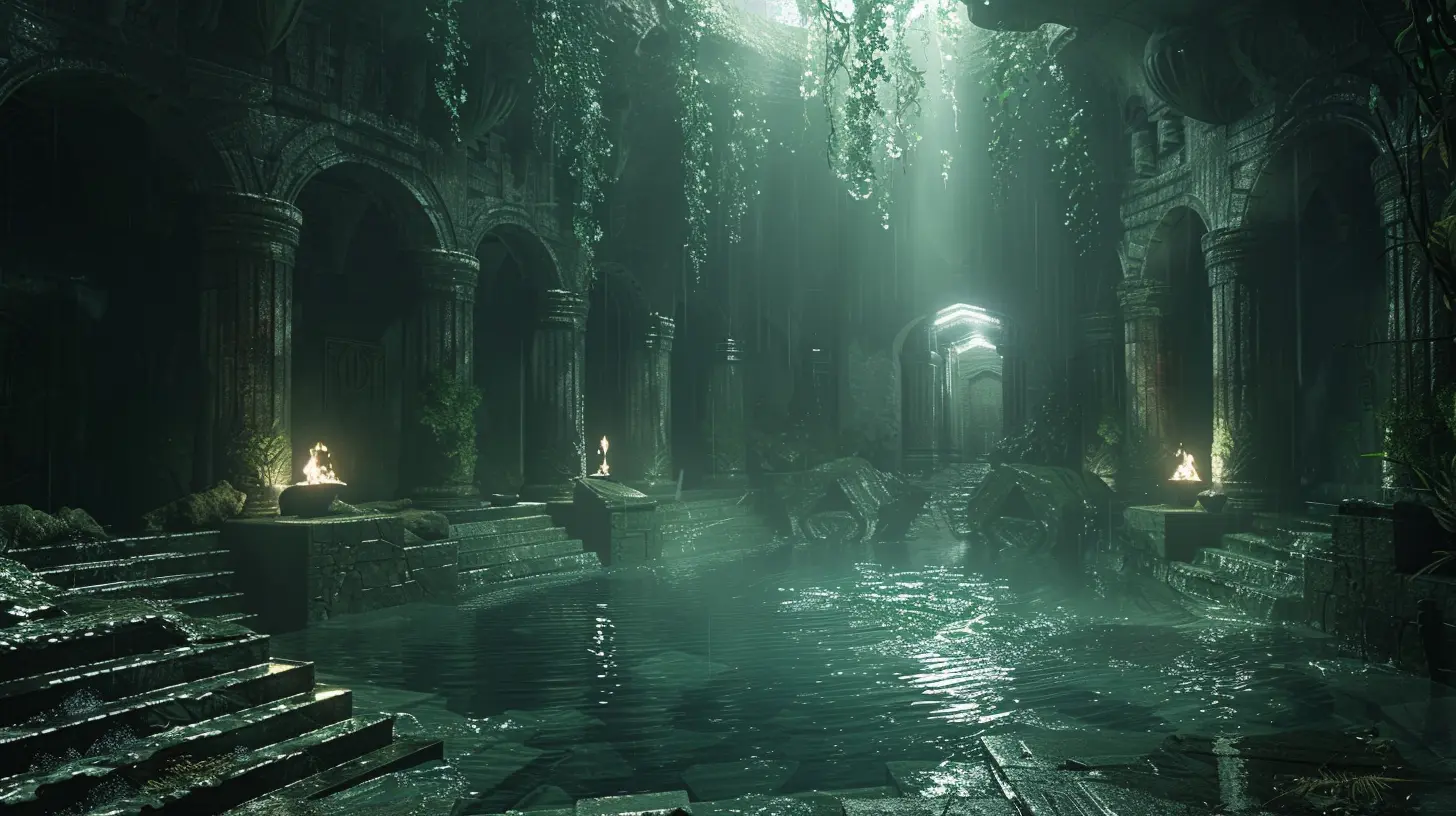
Performance Is The Name of The Game
Let’s face it—fancy graphics are great, but if the frame rate tanks harder than your KD ratio in your first Apex Legends match, nobody’s going to stick around. Unreal Engine’s true brilliance lies in its balance: top-tier visuals without sacrificing performance.But how does it pull that off?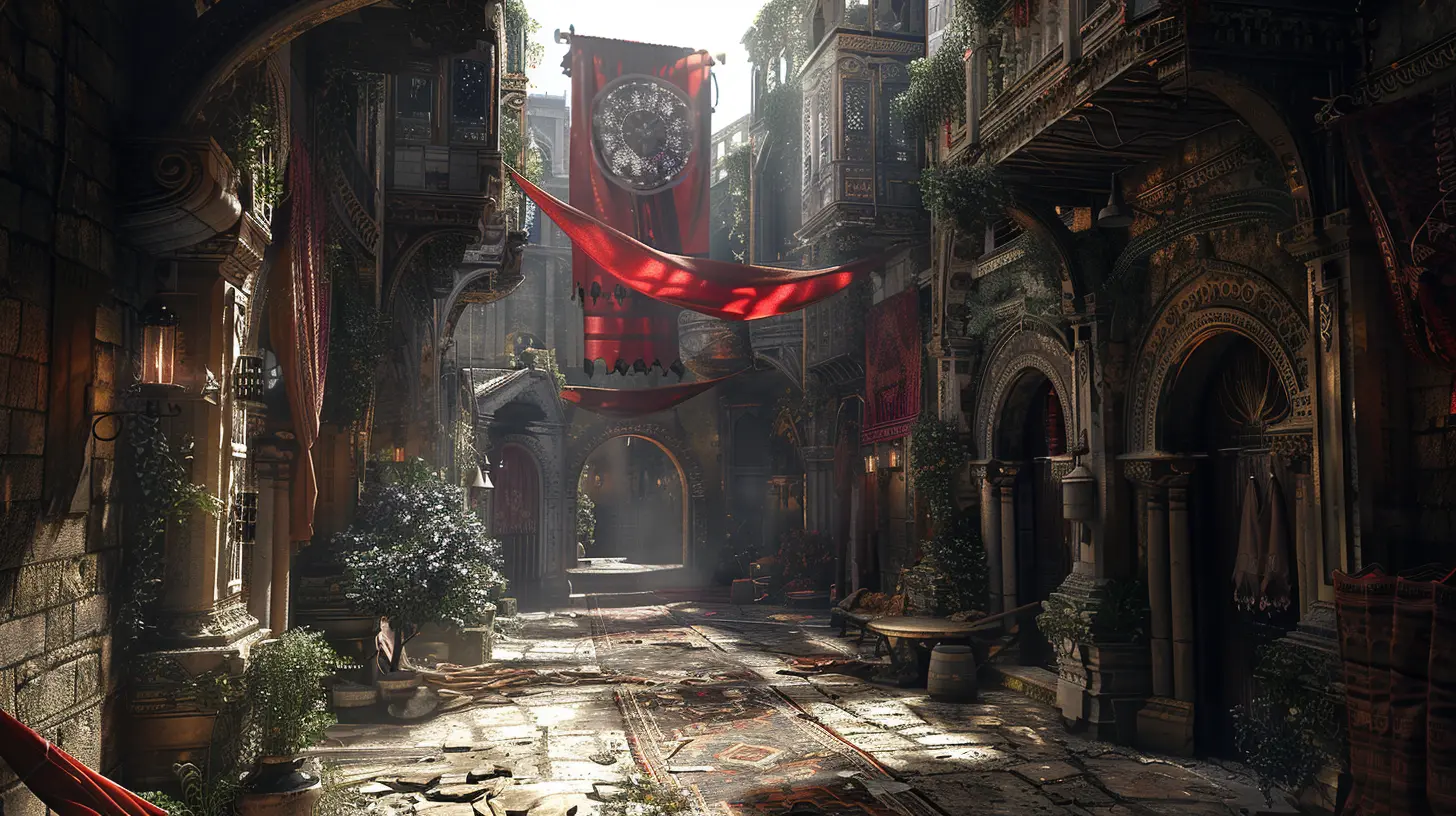
1. The Power of Nanite Virtualized Geometry
This might sound like something straight out of a sci-fi script, but trust me, Nanite is the real deal.What is Nanite?
Nanite is Unreal Engine 5’s next-gen rendering tech. In simple terms, it’s a way to render insanely detailed environments without turning your GPU into a space heater.Rather than using traditional polygon count optimization, Nanite allows artists to import film-quality assets with billions of polygons—yes, billions—with zero manual LOD work.
Why It’s a Game-Changer
Ever noticed how games sometimes render low-res versions of objects in the distance? That’s due to Level of Detail (LOD) techniques. Nanite just skips all that drama and adapts detail in real-time based on what the player can actually see.It’s like having an ultra-smart camera crew behind your game, always showing the best angle without wasting effort on what doesn’t matter.
2. Lumen: Real-Time Global Illumination at Its Finest
Lighting isn’t just eye candy; it's the unsung hero of immersion. Enter Lumen.Breaking Down Lumen
Lumen is Unreal Engine’s real-time global illumination system. What that means for you: realistic lighting and reflections that react dynamically to the environment—no light baking, no static shadows.Real-World Impact
Let’s say your game character walks into a cave with a torch. Lumen makes sure that flickering torchlight realistically bounces off walls, casts shadows, and fades naturally. No more guessing games. Just pure, dynamic—and more importantly—optimized lighting.3. The Efficiency of Level Streaming
Ever wondered how open-world games manage massive maps without sending your PC into meltdown? Say hello to level streaming.What Is Level Streaming?
Unreal Engine can load and unload parts of the map (called "levels") based on the player's position. Instead of loading the entire world at once, it trickles in content as needed.Think of it like a buffet. Instead of putting everything on your plate at once, you only serve what you’re planning to eat right now. Saves memory, improves performance, and keeps the gameplay smooth.
4. Blueprint Visual Scripting: Creativity Without the Crunch
Not every studio has an army of C++ coders. That’s why Blueprints exist—and they’re a dream come true.No Code? No Problem.
Blueprints let you build gameplay mechanics, UI logic, and even AI behavior—all without writing a single line of code.Under the hood, Blueprints are still lightning-fast. Unreal Engine compiles them efficiently, so you’re not sacrificing performance for convenience.
Why waste days coding something when you can drag, drop, and tweak it in minutes? It’s like LEGO, but for game devs.
5. World Partition System: No More Manual World Division
Unreal Engine 5 upgraded the old level streaming system with something cooler—the World Partition System.What Makes It So Great?
Instead of manually dividing your map into chunks, World Partition automatically splits your world into grids and streams them in and out as the player moves.It's like having a super-intelligent map manager that decides which pieces of the world to load, so your game runs smoother and scales better—especially for massive open environments.
6. Smart Asset Optimization
Here’s where the true performance wizards work their magic—asset optimization.Tools Like HLOD and Texture Streaming
- HLOD (Hierarchical Level of Detail): Combines and simplifies distant objects.- Texture Streaming: Dynamically loads textures based on proximity and screen size.
This ensures that you're not wasting VRAM on things the player can't see. It’s the difference between binge-watching your favorite show in 4K and buffering every five seconds.
7. Chaos Physics & Niagara VFX: High-End Effects, Low-End Cost
What’s a game without explosions, destruction, and dramatic physics? Unreal delivers all this without sinking performance.The Chaos Physics System
Chaos handles real-time destruction and physics simulations—from collapsing buildings to ragdoll enemies. And it’s built to scale.Niagara for VFX
Want realistic fire, smoke, weather, or magic spells? Niagara is a visual effects system that lets you craft intricate particle systems—again, without dragging down performance.It’s like having a fireworks show in your game, but without the smoke choking out your frame rate.
8. Multi-Platform Optimization & Scalability
Unreal Engine doesn’t just play well with PC. It’s optimized for consoles, mobile, VR—heck, even web-based platforms.One Build, Multiple Platforms
Thanks to its scalable architecture, developers can tweak settings for various hardware setups. This allows you to target the high-end crowd and players on budget rigs.So whether your players are on a RTX 4090 or an aging laptop, Unreal keeps the game chugging along smoothly.
9. Unreal Insights & Profiling Tools
You can’t fix what you can’t measure. Unreal Engine includes robust profiling tools that let devs dissect performance in real-time.Unreal Insights
From memory tracking to CPU/GPU usage breakdowns, Insights gives developers a complete picture of what’s happening behind the scenes. It’s like having X-ray vision for performance bottlenecks.10. A Community That Moves Mountains
No engine thrives without a strong community, and Unreal boasts one of the most knowledgeable, supportive, and innovative user bases out there.From open-source plugins to optimization tips and performance hacks, there’s never a shortage of ways to boost your game’s performance.
Let’s not forget the massive library of marketplace assets that are not only stunning but performance-ready out of the box.
Why It All Matters: Performance Is Player Experience
At the end of the day, performance isn’t just for the devs—it directly affects how we enjoy games. Laggy frames, delayed input, or stuttering visuals yank us out of immersion faster than a rage quit.Unreal Engine’s best performances aren’t accidental. They’re the result of carefully crafted tools and systems designed to deliver maximum impact with minimal friction.
If you’re serious about delivering unforgettable gaming experiences, Unreal Engine has all the ingredients to cook up something legendary.
Final Thoughts
So, what’s Unreal Engine’s secret sauce for best-in-class performance?It’s a perfect storm of revolutionary rendering tech, smart asset handling, dynamic lighting, scalable worlds, and tools so accessible even non-coders can get in on the action. Sprinkle in a dash of powerful physics and a generous helping of community-driven support, and you’ve got yourself one heck of a recipe for success.
The bottom line? Unreal Engine doesn’t just raise the bar—it is the bar.
all images in this post were generated using AI tools
Category:
Unreal Engine GamesAuthor:

Leif Coleman
Discussion
rate this article
2 comments
Daniel McMaster
Unreal Engine continues to redefine gaming with its powerful performance capabilities. It's fascinating to see how developers harness its features to create immersive experiences. The blend of cutting-edge technology and creativity truly sets Unreal apart in the competitive gaming landscape. Great article!
May 24, 2026 at 4:54 PM
Leif Coleman
Thank you! I'm glad you enjoyed the article. Unreal Engine really does open up amazing possibilities for developers.
Orionis Martinez
It's inspiring to see how Unreal Engine continues to push boundaries in game development. The dedication of the team truly shines through their amazing performances.
May 19, 2026 at 4:10 AM
Leif Coleman
Thanks! The team's passion really drives innovation, and it's great to see that recognized.