Getting the Best Picture From Your Gaming Monitor
October 15, 2026 - 15:13
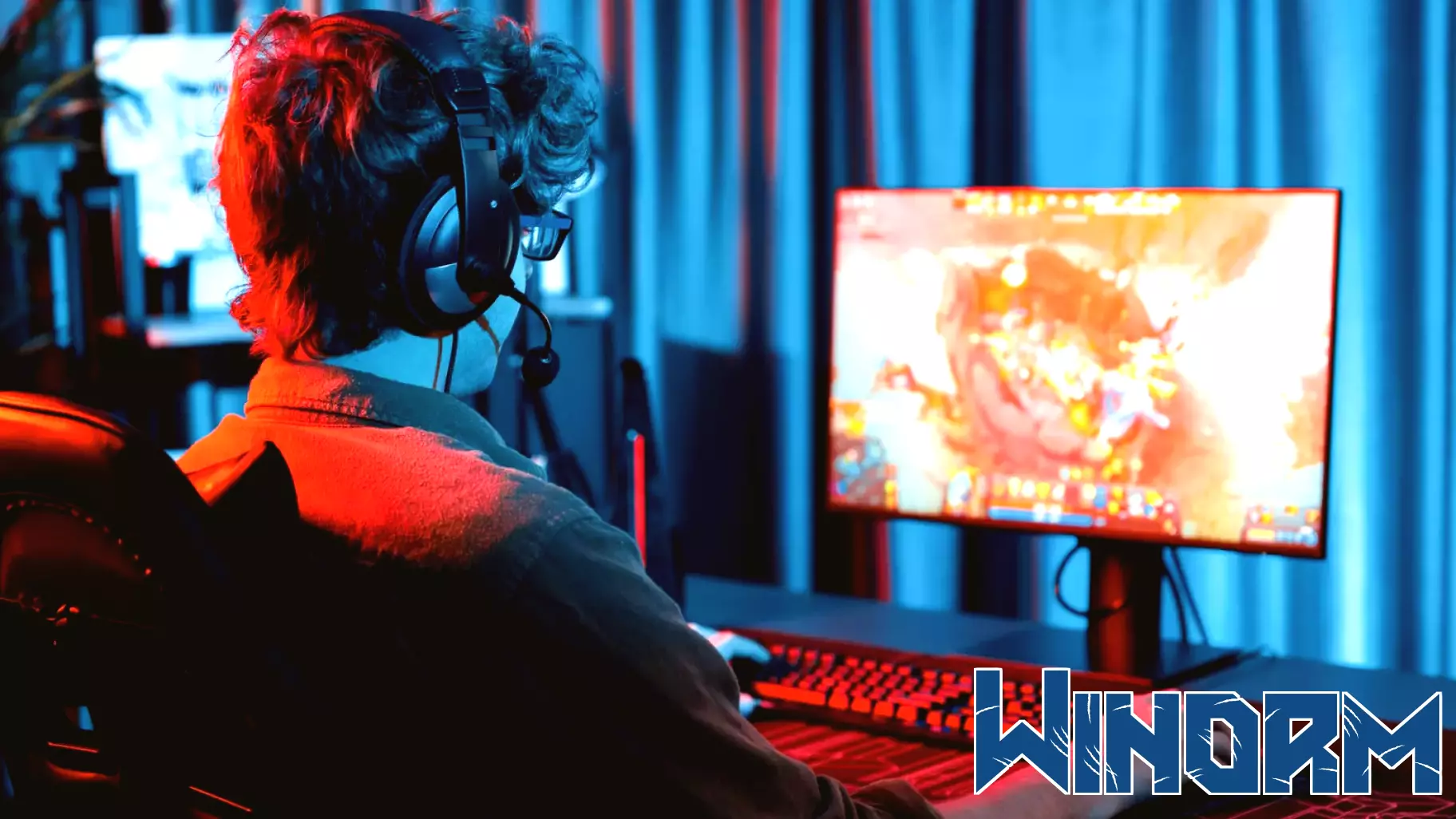
One of the best settings for your monitor when gaming include keeping the resolution and aspect ratio to the monitor's native setting for a sharper image. Most displays are built to run at one specific resolution, and anything else forces the screen to stretch or blur the picture. Matching that native number keeps text crisp and edges clean.
Refresh rate matters just as much. If your monitor supports 120Hz, 144Hz, or higher, make sure the operating system is actually set to that value. Many people plug in a new screen and never change the default, which often sits at 60Hz. A higher refresh rate makes motion look smoother and can give you a small edge in fast games.
Response time settings are worth a look too. Some monitors offer overdrive options that reduce ghosting, but pushing them too far creates visible smearing. Test a few levels and pick the one that looks cleanest during movement.
Brightness and contrast should fit the room you play in. A screen that is too bright washes out dark scenes, while one that is too dim hides details in shadows. Adjust until you can spot enemies in dark corners without straining your eyes.
Color temperature also plays a role. Cooler tones can make whites look blue, while warmer tones add a yellow tint. A neutral setting usually gives the most accurate colors.
Finally, turn off any dynamic contrast or eco modes. These features change the picture on the fly and often hurt consistency. A stable image is easier to read and react to.
None of these changes take long, but together they can transform how a game looks and feels.
MORE NEWS
November 29, 2026 - 12:35
Ten Arcade Gems That Stayed in JapanMany of the most fun and weird arcade games never made it outside of Japan. While classics like Pac-Man and Street Fighter traveled the world, a huge number of inventive cabinets remained exclusive...
November 28, 2026 - 21:38
Why GTA 6 Won't Get A 60 FPS Mode On PS5, According To RockstarRockstar Games has offered a rare technical explanation regarding the performance profile of Grand Theft Auto 6, confirming that the game will not feature a 60 frames per second mode on the...
November 28, 2026 - 15:13
GTA VI and Football: $79.99, 0 Confirmed Club LinksGTA VI launched on November 19 at a price of $79.99, and the release has quickly become one of the biggest entertainment stories of the year. Alongside the excitement, a wave of speculation has...
November 27, 2026 - 21:15
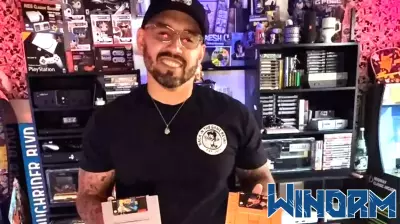
Former Touring Rapper Returns to Main Street with Retro Gaming ShopCody Silva, once known on stage as Fresh C, has traded tour buses for arcade cabinets. The former rapper has opened Back in the Game Retro in downtown Safford, a storefront dedicated to vintage...