How to Organize and Display Your Game Collection
28 September 2026
Let’s face it—being a gamer can be messy. Between shelves overloaded with boxed editions, cartridges that mysteriously vanish, and downloading dozens of digital titles you forget exist... things can spiral quickly. If game collecting is a passion (or even just a quirky hobby), organizing and showcasing your collection isn’t just about aesthetics—it’s about honoring the games that shaped your adventures.
So, how do you turn that chaotic pile into a collection worth showing off? Whether you’ve got a room full of retro classics or a modest shelf of modern hits, this guide will help you organize and display your game collection like a pro.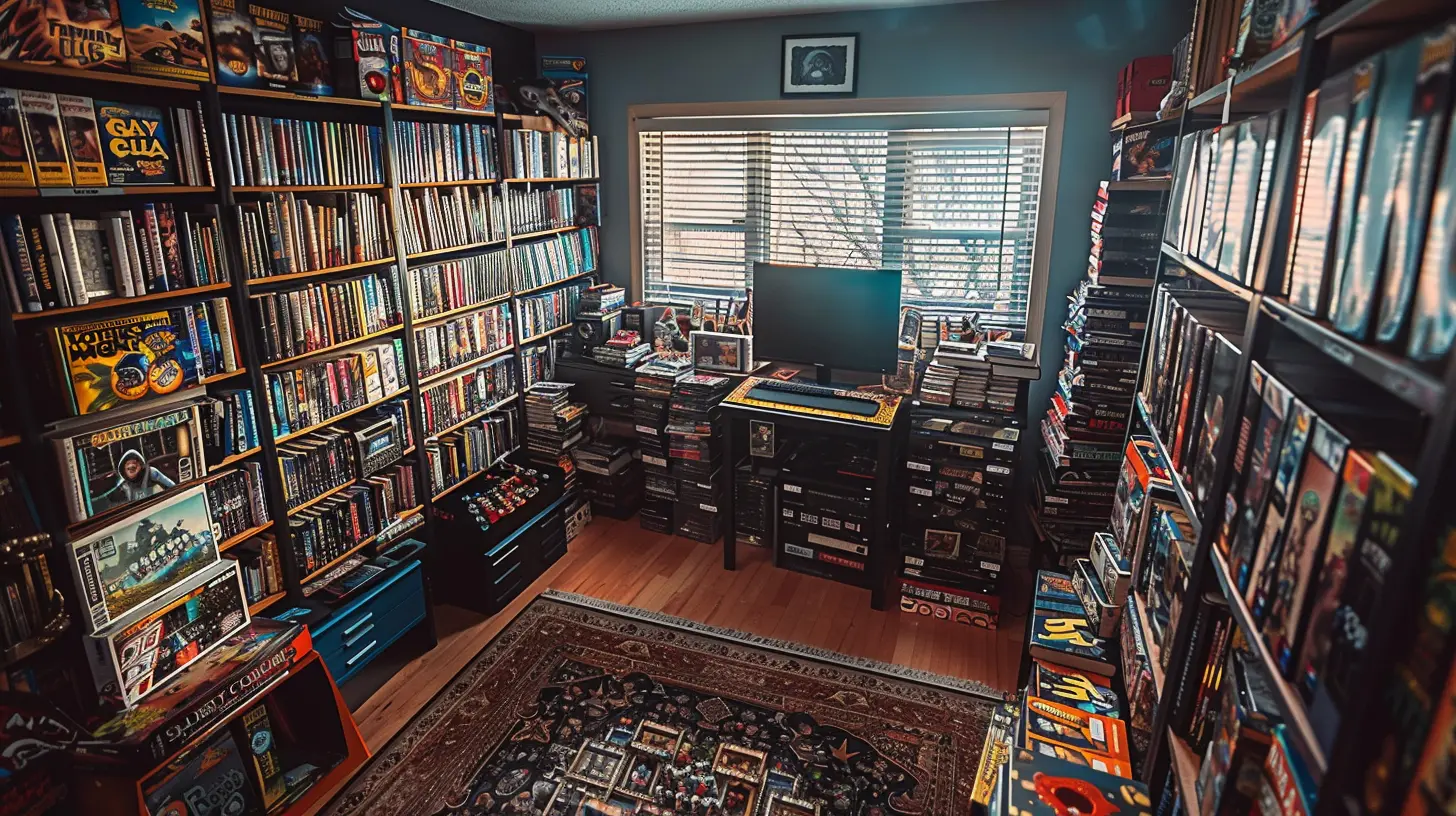
Why Organization Matters (Yes, Even for Games)
Before we dive into the how, let’s tackle the why. Organizing your game collection isn't just a neat freak's dream—it makes finding, preserving, and enjoying your games so much easier.Think about it. Ever spent 10 minutes digging through a drawer for that one game you know you own but can’t find? Yeah—same. Organizing saves time, reduces wear and tear, and makes every gaming session smoother.
Plus, when your collection looks as good as it plays, it becomes a conversation starter. A well-curated game setup doesn’t just impress—it inspires.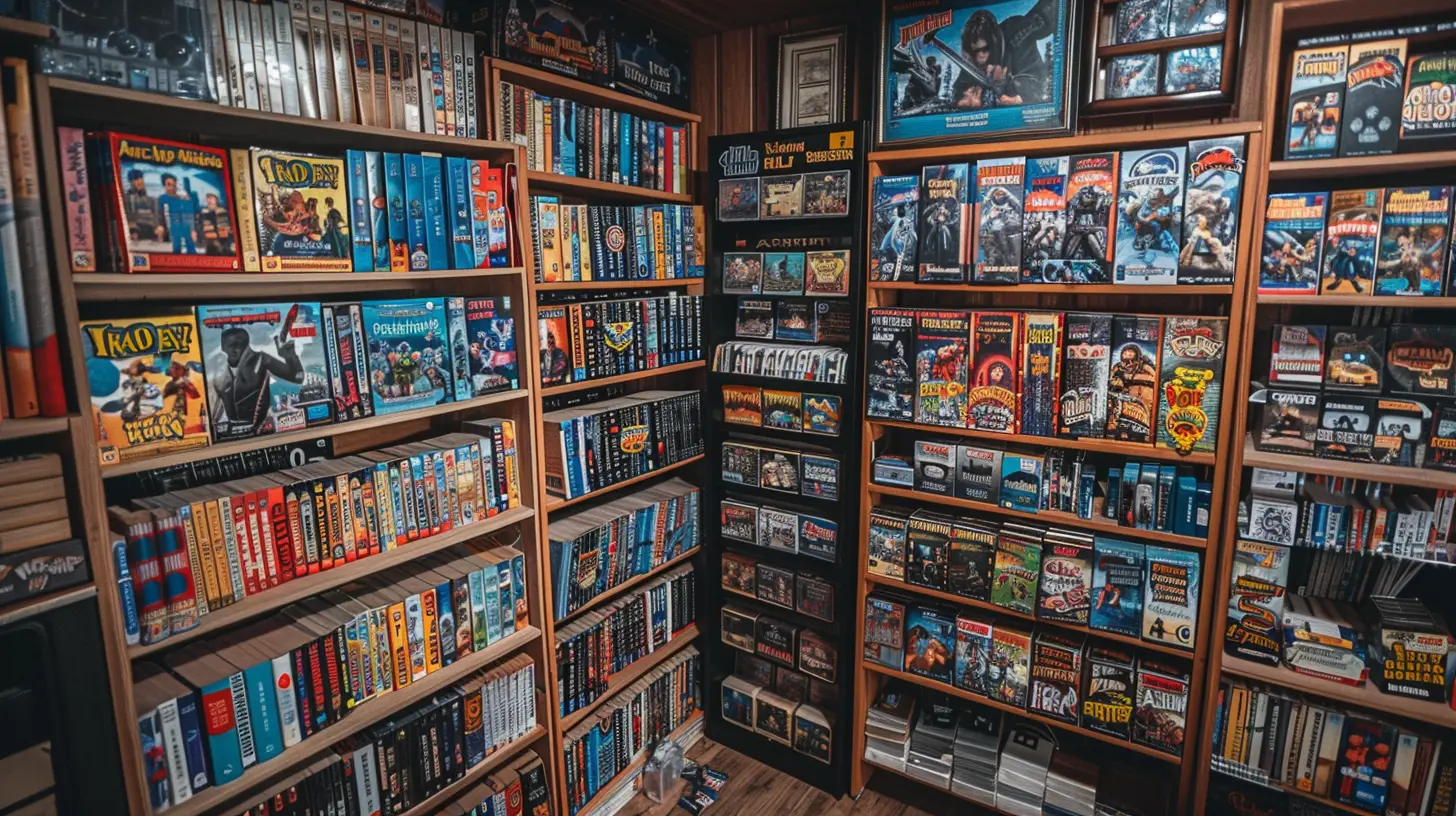
Step 1: Take Inventory
Start here. You can’t organize what you don’t know you have.Go Through Everything
Pull out your physical games, old consoles, controllers, collectibles—everything. Don’t forget those digital titles either. Fire up your consoles and check your game libraries.Make a master list. You can use a spreadsheet, a specialized app like CLZ Games, or even a notebook if you’re old-school. List the title, platform, condition, and whether it’s a physical or digital copy.
Group by Platform
Once you’ve accounted for everything, group your games by platform: Switch, PlayStation, Xbox, PC, SNES, GameCube—you name it. This will help you see duplicates, spot gaps, or even rediscover forgotten gems.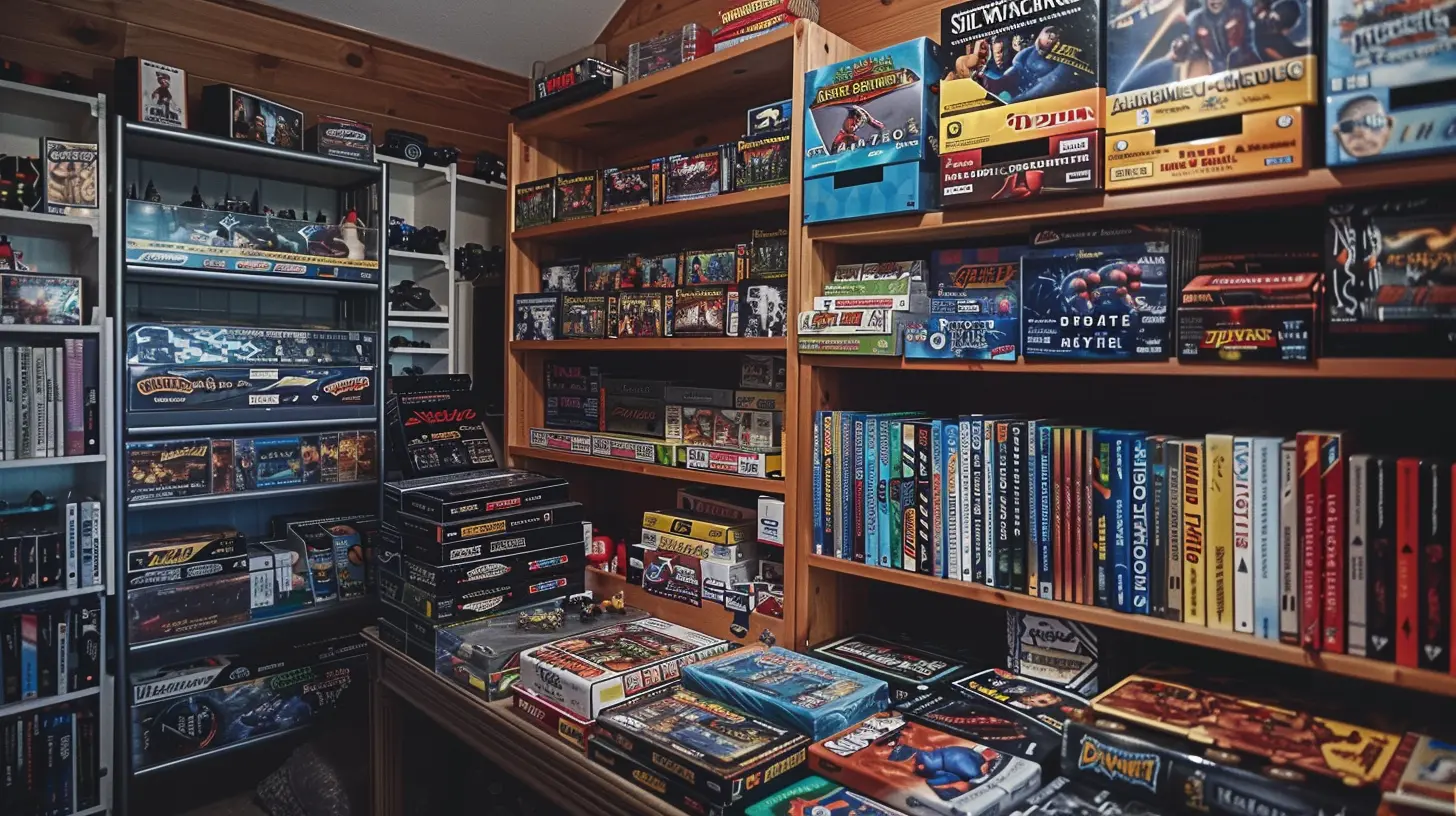
Step 2: Decide What to Keep
Let’s be real—some games just sit on your shelf collecting dust. If you’re tight on space (or just want to keep it meaningful), it might be time to purge.Ask yourself:
- Do I actually play this?
- Will I replay it?
- Is it valuable or sentimental?
If the answer’s “no” all around, maybe it’s better off with another gamer who’ll appreciate it. Trade, sell, or donate what you no longer love.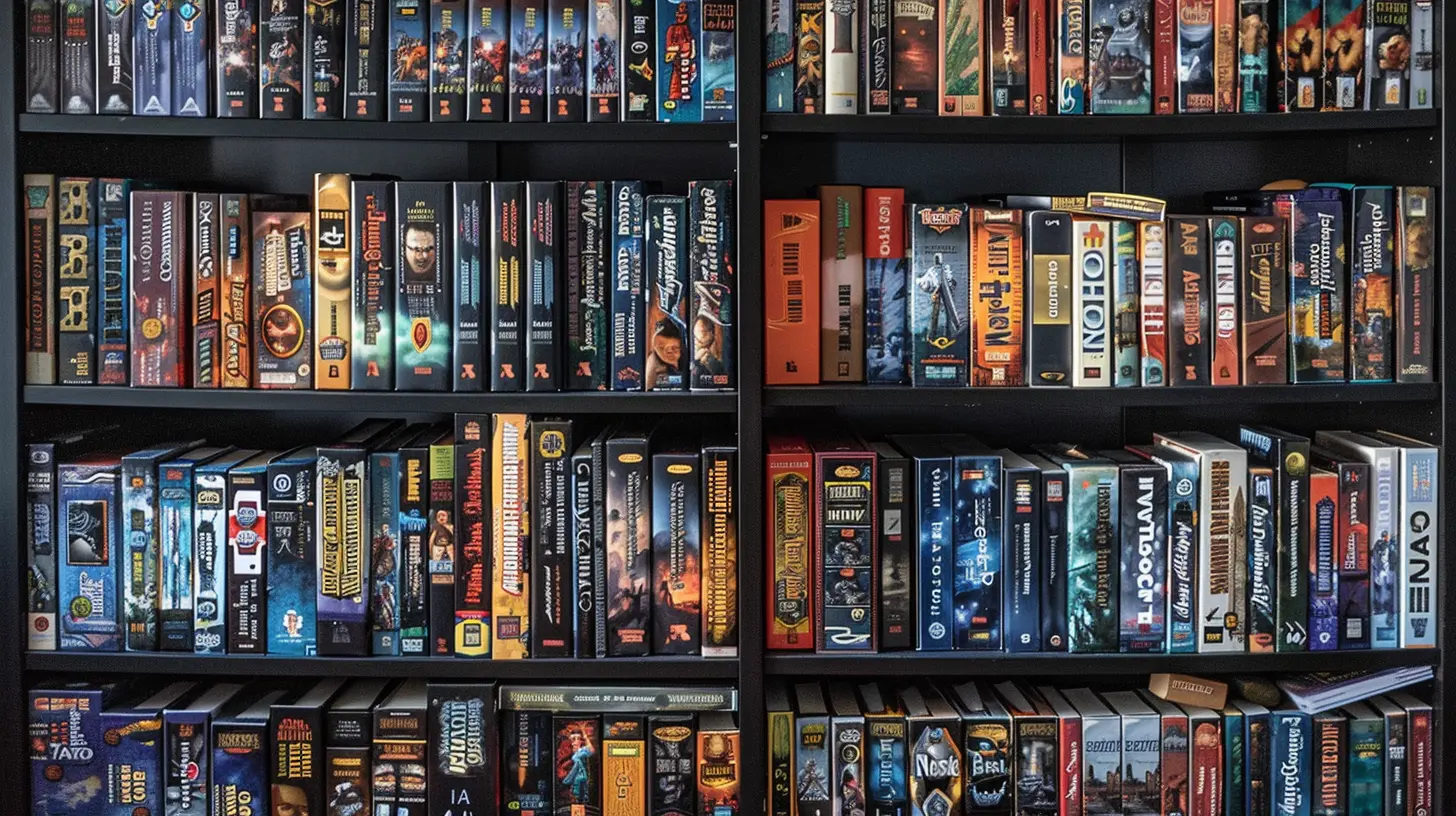
Step 3: Choose the Right Storage Solutions
Game collections come in all shapes and sizes, and so should your storage options. Whether you live in a studio apartment or have a dedicated game room, you’ve got options.Shelving Units
Sturdy, adjustable shelving units are a collector’s best friend. IKEA Kallax shelves are popular because they fit game cases, consoles, and collectibles perfectly. They’re modular, so you can build out as your collection grows.Media Cabinets
If you mostly collect disc-based games like PlayStation or Xbox titles, a media cabinet can keep everything organized and accessible. Bonus: many of them have doors to keep dust out.Wall-Mounted Displays
Running low on floor space? Think vertical. Wall-mounted shelves or floating display racks work great for boxed collectors' editions, handhelds, or even unique game cartridges (hello, N64!).Storage Bins for Retro or Loose Games
Old-school games like NES, SNES, and Genesis often come loose (no box or manual). Plastic storage bins with labeled dividers can keep them from getting lost or damaged.Step 4: Organize with Style and Function
Now that you’ve set the foundation, it’s time to give your collection some personality.Alphabetically vs. Chronologically
Organize your games in a way that makes sense to you. Alphabetical is easiest for quick access. Some prefer chronological—grouping games from the same series or by release year. Others go by genre, color, or even the vibe of the box art. There’s no wrong answer—just consistency.Showcasing Valuable Games
Have a rare game or a collector’s edition you’re proud of? Show it off! Use acrylic display stands, shadow boxes, or even LED-lit shelves to highlight those prized possessions.Labeling and Tags
Slap a small label under each shelf or case if you’ve got a lot of similar-looking boxes. It adds a mini-catalog feel and makes searching for a specific title super easy.Step 5: Don’t Forget Digital Collections
Let’s not ignore the elephant in the room—digital libraries.Use Game Tracker Apps
Apps like GG, Backloggery, or Gameye can help you keep track of what you own (and what you’ve completed). You can also tag games by genre, platform, or how much time you’ve played.Create Digital Playlists
On platforms like Steam, you can create categories or collections (“RPGs I Haven’t Touched Yet”). It’s basically like putting your digital games on a virtual shelf.Backups and Safety
Always back up your digital purchases and saves to an external drive or the cloud. Don’t let corrupted data erase years of progress or memories.Step 6: Create a Display-Worthy Setup
Time to bring it all together visually. This is where the magic happens.Mix Games with Decor
Don’t just stack games—blend your collection into your space. Add LED lighting, posters, framed art, or figurines that match your favorite franchises. Suddenly, your shelf isn’t just storage—it’s a shrine.Keep Consoles Neat
Set up your consoles for easy access but without cable chaos. Use Velcro straps or cable organizers to keep things tidy. A clean setup is a happy setup.Rotate Displays
Just like museums rotate exhibits, try rotating your game display every few months. It keeps things fresh and lets you appreciate forgotten favorites.Step 7: Maintain Your Collection
Here’s the part many forget—maintenance.Dust Regularly
Game cases, especially black ones, are dust magnets. Use a microfiber cloth or duster every couple of weeks. Your collection (and nose) will thank you.Avoid Direct Sunlight
Sunlight fades box art and warps plastic. Keep your setup away from windows when possible or use UV-blocking curtains.Climate Control
Too hot or too humid? Not ideal. Try to keep your game room at a moderate temp with low humidity to avoid mold, disc rot, and other horrors.Bonus: Display Ideas for Serious Collectors
If you’re a collector who wants to go all-out, here’s some inspiration:Game Room Themes
Love Cyberpunk 2077? Style your room with neon lights, metal shelves, and dystopian art. Into retro arcade vibes? Think wood paneling, CRT TVs, and colorful signage.Custom Built-In Shelving
For a seamless look, go for custom woodwork. Built-in shelves tailored to your game box dimensions scream “next-level gamer.”Interactive Collections
Want to go next level? Set up tablets with game trailers, history blurbs, or music tracks that play when you scan a QR code near each game.Final Tips for Showcasing with Pride
- Keep your collection accessible, not just pretty.- Don’t overstuff; give each item room to breathe.
- Mix functionality with fandom—represent your personality.
- Most importantly? Make it yours.
Your game collection tells a story—every disk, cartridge, and cover art is a chapter in your gaming life. Organizing and showing it off isn't about being fancy—it’s about realizing how awesome your journey has been.
So go on, give your games the spotlight they deserve.
all images in this post were generated using AI tools
Category:
Game CollectingAuthor:

Leif Coleman