Top Mods to Improve Graphics in Any Game
30 May 2026
Let’s be real for a second—no matter how jaw-dropping a game looked when it launched, give it a few years (or even months), and the shine starts to wear off. Your once-beloved AAA title begins to look like it was rendered with crayons by a caffeinated toddler. But hey, that’s where mods come in to save the day like a superhero in ultra-high-definition tights.
In this article, we’re diving deep (but not too deep—we don’t want to drown) into the best mods to improve graphics in any game. Whether you’re transforming Skyrim into a next-gen fantasy land or turning Minecraft into a ray-traced block party, there’s a graphics upgrade out there just waiting to make your eyeballs do a happy dance.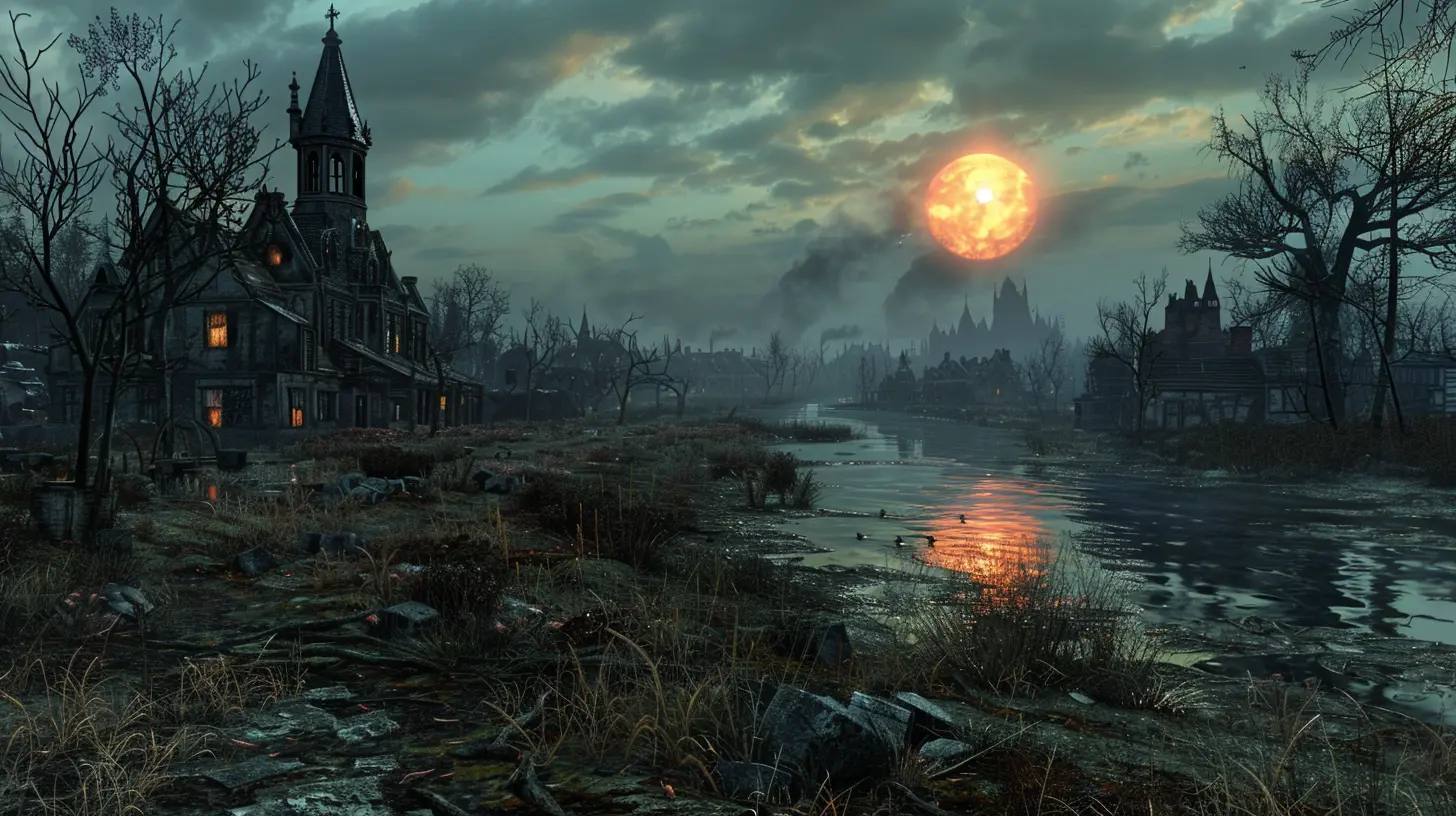
Why Upgrade Graphics With Mods?
Before we get into the juicy list, let’s address the digital elephant in the room: why mod your game’s graphics at all?Well, here’s the thing—game developers have limitations. Time, budget, hardware compatibility, and a bazillion other things. Mods? They don’t care. Mods are made by passionate fans who want to see their favorite games look as pretty as a Pixar movie.
Plus, modding can breathe new life into old games. It’s like giving your grandma a makeover and discovering she could’ve been a rockstar in the '70s.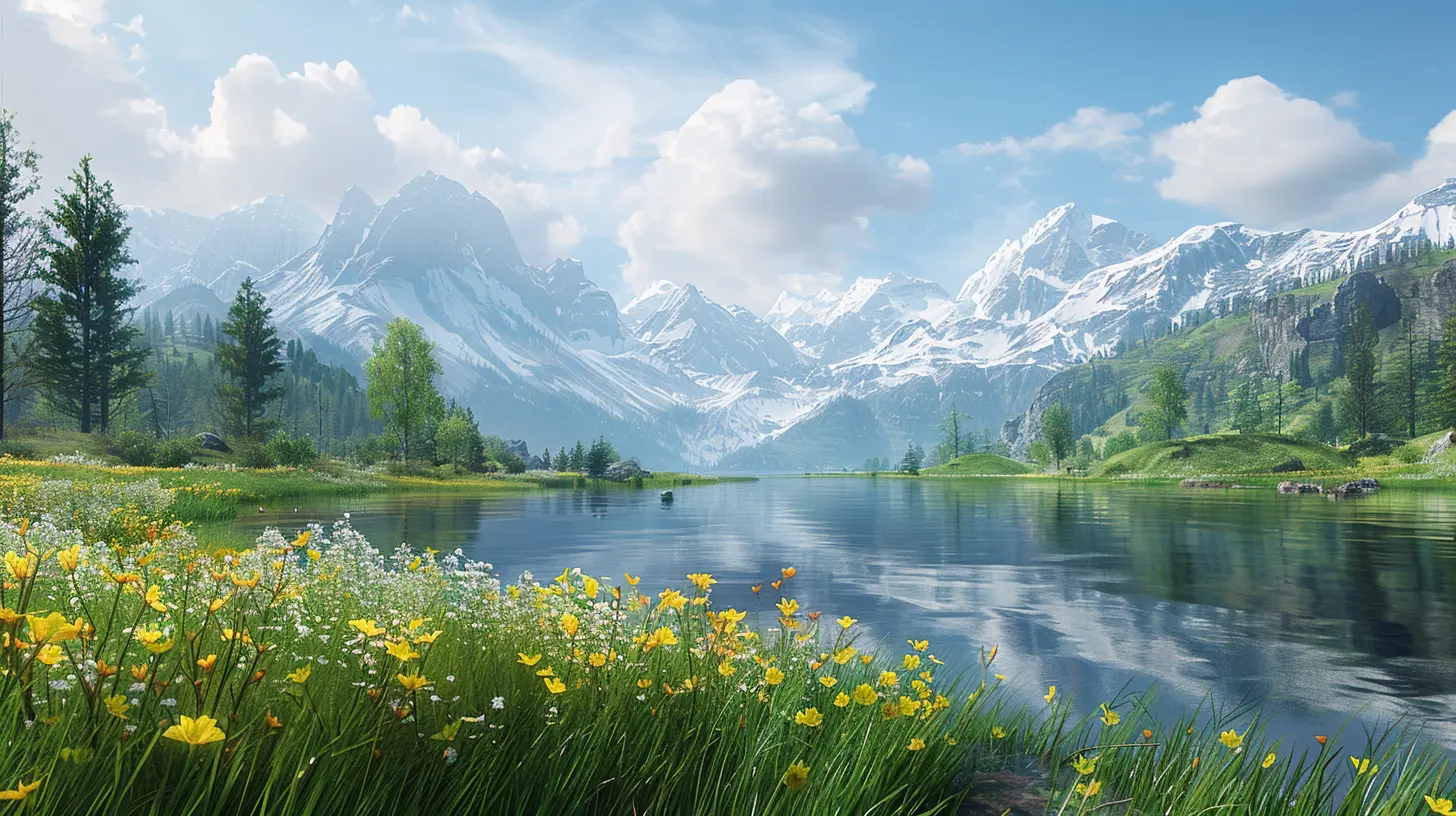
What Should You Look for in a Graphics Mod?
Not all mods are created equal. Some are the gaming equivalent of a Michelin-star meal, others… more like microwaved pizza. Still good, but you want the best, right?Things to consider:
- Performance impact – Can your PC handle the heat?
- Compatibility – Will it play nice with your other mods?
- Visual fidelity – Are we talking subtle improvements or full-blown beauty surgery?
- Ease of installation – Because nobody wants to read a 42-page manual.
Got it? Cool. Let’s mod our way to glory.
1. ReShade – Your Universal Graphics Overhaul Buddy
Let’s start with the Swiss Army knife of game mods—ReShade. This mod isn’t just for one game. Nope. It works with almost any DirectX or OpenGL title.What Does It Do?
ReShade injects post-processing effects into your games, letting you add:- Ambient occlusion
- Depth of field
- Bloom
- Color correction
- Ray tracing (yup, kind of)
It’s like Instagram filters for your games but with way more control and zero influencers.
Why You’ll Love It
ReShade is ridiculously flexible. Whether you want cinematic blacks or a vibrant cartoon look, you can tweak everything to perfection. And don’t worry, there's a ton of presets online if you're not the "tweak every slider" type.
2. ENB Series – The Fancy Pants of Graphics Mods
If ReShade is the Swiss Army knife, ENB is the diamond-encrusted chef’s knife (sharp, shiny, and not cheap on performance).What Does It Do?
ENB is particularly popular with games like Skyrim, Fallout, and GTA V. It offers:- Improved lighting
- High-quality reflections
- Depth of field
- Color grading
- Parallax occlusion mapping
Basically, it makes your game look like it went to a luxury graphics spa and came back glowing.
Things to Watch
ENB can be a resource hog. You’ll want a decent GPU or be prepared to make sacrifices (looking at you, ultra shadows).3. HD Texture Packs – Because Pixels Shouldn't Look Like Lego
Resolution matters, folks. If your game’s textures look like they were drawn in MS Paint, it’s time to level up with an HD texture mod.Fan Favorites
- Skyrim HD – 2K Textures: Makes every rock, wall, and beard in Skyrim look crispier than grandma’s cookies.- GTA V NaturalVision Remastered: Total eye-candy makeover for Los Santos.
- Minecraft HD Texture Packs: From Faithful to Soartex, there’s something to suit every taste (even if you’re into medieval realism in a cube world).
Quick Tip
Texture packs vary in size and performance impact, but they’re the easiest way to make a noticeable change. Just swap the files and enjoy your shiny new visuals.4. Ray Tracing Mods – Shine On, You Pixel Diamond
Ray tracing used to be something only NVIDIA RTX cards could dream of. Now? Modders are hacking it into everything like digital wizards.Options to Consider
- ReShade RTGI Shader (by Pascal Gilcher): Adds ray-traced global illumination to any game supported by ReShade.- SEUS PTGI for Minecraft: Turns Minecraft into a literal light show with stunning sunbeams, realistic water, and jaw-dropping reflections.
Is It Worth It?
If you’ve got the hardware, yes. Ray tracing adds layers of realism that can make you stop mid-game and just stare at a puddle. True story.5. Lighting & Weather Mods – Mood Is Everything
Sometimes, it’s not what you see but how it’s lit. Proper lighting can turn a drab alley into a noir masterpiece or a forest into a fairytale setting.Top Picks
- NAT or Vivid Weathers (Skyrim): Overhauls lighting, weather, and sky textures.- L.A. Roads + VisualV + Realistic Lighting (GTA V): Makes everything from dusk to dawn look like a movie set.
Bonus
Better lighting can also improve visibility and contrast, which helps during gameplay. Who knew realism could also be practical?6. LOD and Draw Distance Mods – See Far, Play Better
Level of Detail (LOD) and draw distance mods make your game render distant objects in higher detail. No more pop-in trees or blurry mountains.Mods to Grab
- DynDOLOD for Skyrim: A beast of a mod that enhances distant terrain and objects.- Far Clipping and LOD Fixes (various games): Usually game-specific, but totally worth hunting down.
Why It Matters
It’s hard to feel immersed when the castle you’re heading towards looks like a toothpaste blob until you're 10 feet away.7. Realistic Water and Environment Mods – H2Oh Yeah!
Water in games often gets overlooked. But c’mon, have you ever seen gorgeous ripples with realistic reflections and NOT wanted to jump in?Must-Try Mods
- Realistic Water Two (Skyrim): Crystal-clear rivers, detailed waves, and better underwater visuals.- Better Environment Mods for Fallout 4/GTA V: Includes improved grass, foliage, and water behavior.
Think About It
Environmental mods work wonders when combined with lighting and texture upgrades. It’s like assembling the Avengers—but for immersion.8. UI and HUD Overhauls – Don’t Let Ugly Menus Break Immersion
Okay, not graphics per se, but if your beautiful game is littered with MS-DOS-looking menus, it kinda breaks the spell.Why Bother?
- Cleaner fonts- Transparent HUDs
- Modern aesthetics that match your upgraded visuals
Look for UI mods specific to your game. They’re usually plug-and-play and make a big difference.
9. FPS Optimization Mods For Graphic Mods (Yes, It’s a Thing)
Let’s not forget—when you crank everything to 11, your rig might start wheezing like a 20-year-old vacuum cleaner. Thankfully, there are mods to help with that too.Examples:
- BethINI for Skyrim/Fallout: Optimizes your INI files for better performance.- RAGEPluginHook (GTA V): Allows better memory and performance management.
They don’t improve graphics on their own but ensure you actually get to enjoy the pretty pixels without a slideshow.
Bonus: Where to Get These Mods Safely
You wouldn’t download a car (well, maybe you would if it came with ray tracing). But seriously, get your mods from trusted sites like:- NexusMods
- ModDB
- CurseForge (for Minecraft/World of Warcraft)
- LoversLab… (uhhh, only if you’re into a very “specific” type of modding experience)
Always check the comments, read installation instructions, and for the love of all that is holy—back up your game files first.
Wrapping It Up: Create Your Own Visual Masterpiece
Look, modding isn’t just about showing off your powerful GPU or turning Skyrim into a glam photo shoot (though that’s totally valid). It’s about loving a game enough to push it beyond its limits. Graphics mods let us personalize and enhance the worlds we spend so much time in.Whether you’re going full ray tracing or just adding a little texture polish here and there, one thing’s for sure—you’ll never play vanilla again.
Now go forth, fellow pixel-ninja, and turn those dated visuals into eye-popping art!
all images in this post were generated using AI tools
Category:
Game ModsAuthor:

Leif Coleman
Discussion
rate this article
2 comments
Zevros Martinez
Wow, this article is a treasure trove for gamers! The right mods can transform any game into a stunning visual masterpiece. I can't wait to try out these recommendations and elevate my gaming experience to a whole new level. Happy gaming, everyone!
July 11, 2026 at 3:10 AM
Leif Coleman
Thanks for the great feedback! Enjoy exploring the mods and happy gaming to you too!
Azriel Lee
Enhancing graphics through mods can transform gameplay, immersing players in visually stunning worlds.
May 30, 2026 at 2:57 PM
Leif Coleman
Absolutely! Mods can truly elevate the gaming experience, making the visuals pop and immersing players in breathtaking environments.